Your X7, wherever you are.
Ohmage is an independent app for Creative's Sound Blaster X7. It puts the unit's controls where you are: in the Mac's menu bar, and on your iPhone or iPad, over Bluetooth or through a Mac on your Wi-Fi.
Switch between speakers and headphones, shape the sound, and see every change the moment it happens, whichever screen or button it was made on.
While manufacturer support for the X7 has ended, the unit is as capable as ever. Ohmage gives it a native app for today's Mac, iPhone and iPad.
One purchase
- macOS
- iOS
- iPadOS
Not available in every country or region.
Where you are
-
In the menu bar
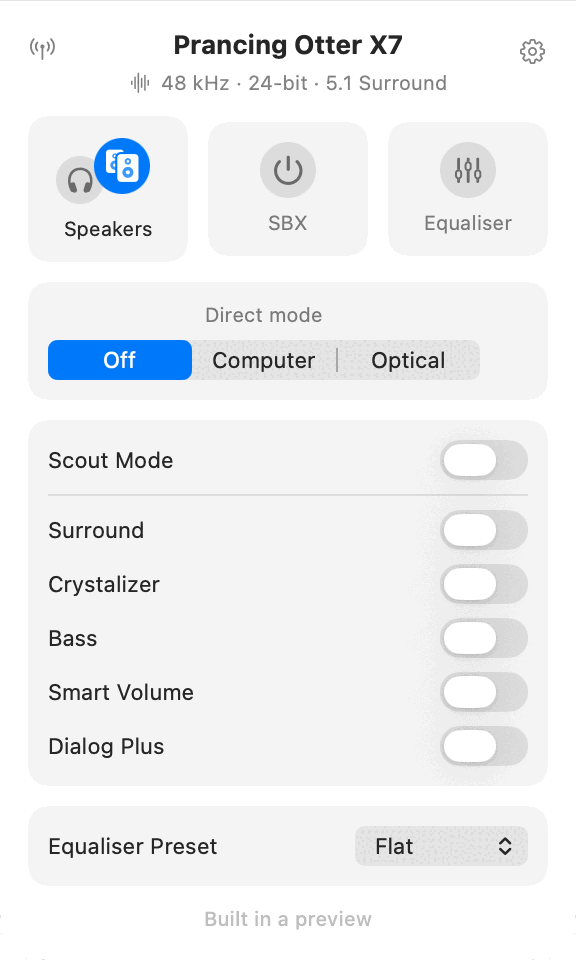
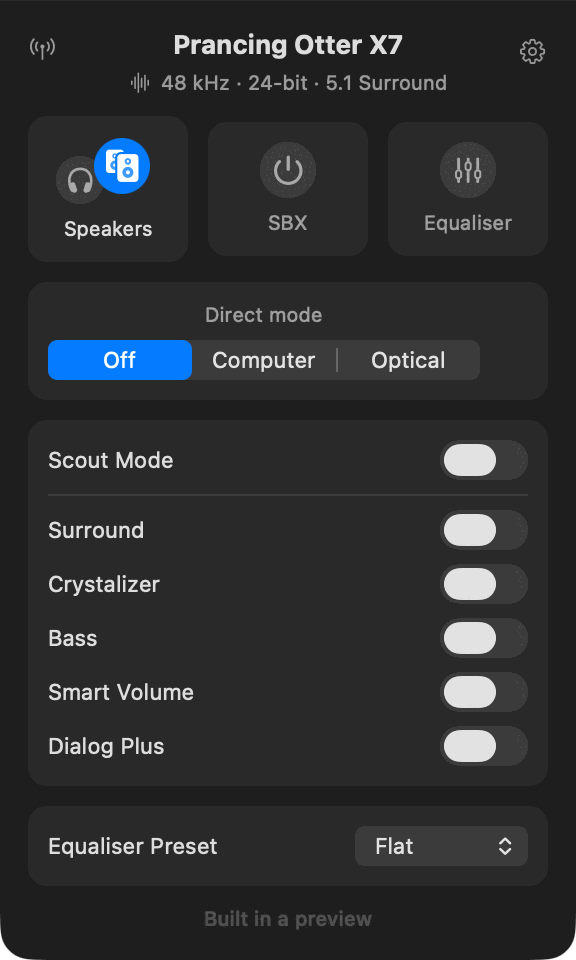
Speakers or headphones, SBX, the equaliser preset and Direct mode, one click from the menu bar on the Mac. The window is there for everything else.
-
On your iPhone or iPad
Every control the unit has, over Bluetooth, without pairing. Pair it in Settings as well to play your sound through it.
-
From the next room
A Mac shares the unit plugged into it. Match six digits once, and it appears on your phone, your iPad, or another Mac.
And what it does there
- Live with the front panel. Turn the knob or press a button on the unit and the app shows it within a second; change it in the app and the unit's light follows.
- Shortcuts, Spotlight and Siri. Output, SBX, Scout Mode, each effect and Direct mode are actions for the Shortcuts app. SBX, output and Scout Mode are also ready to use from Spotlight and, on iPhone and iPad, by asking Siri.
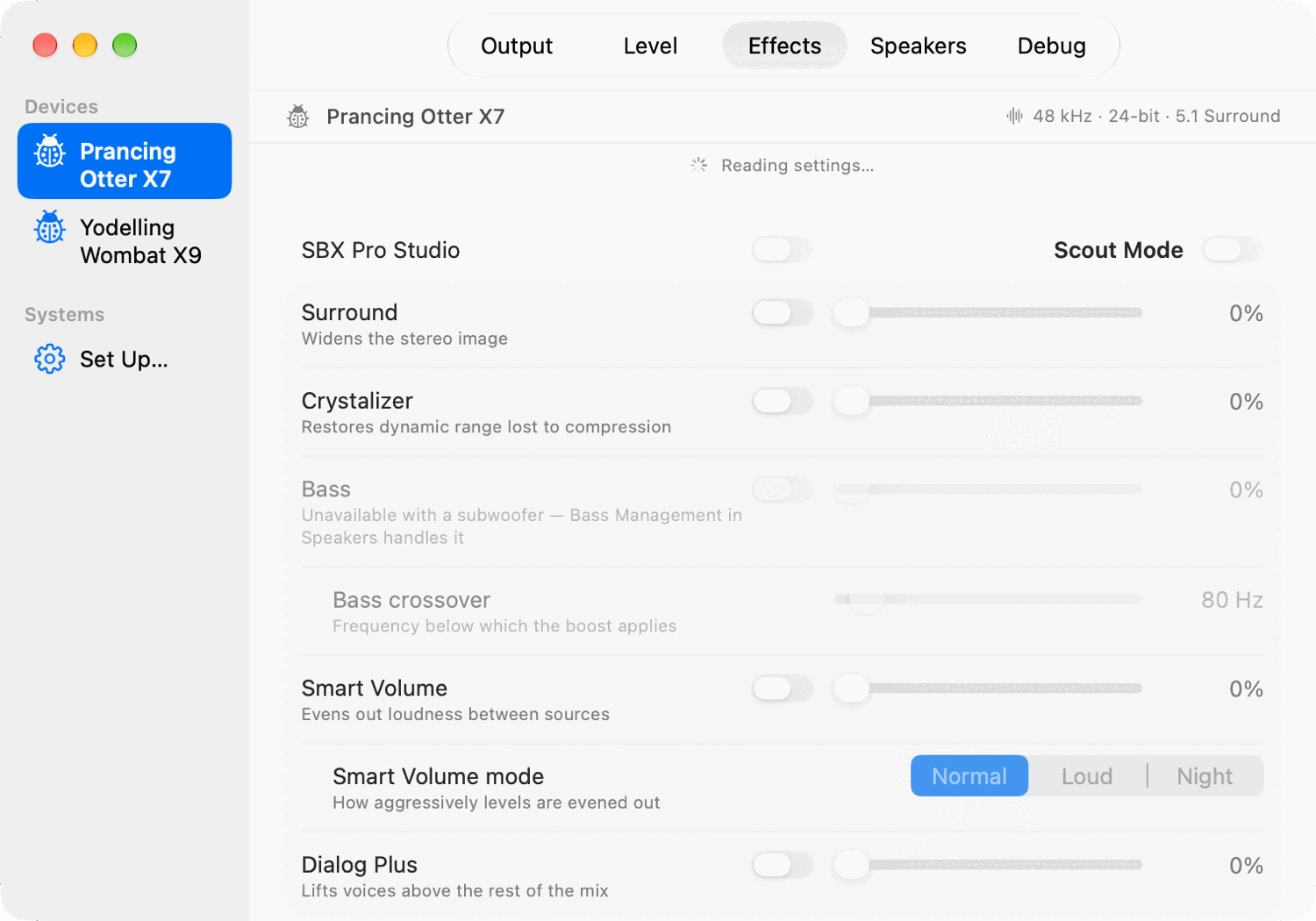
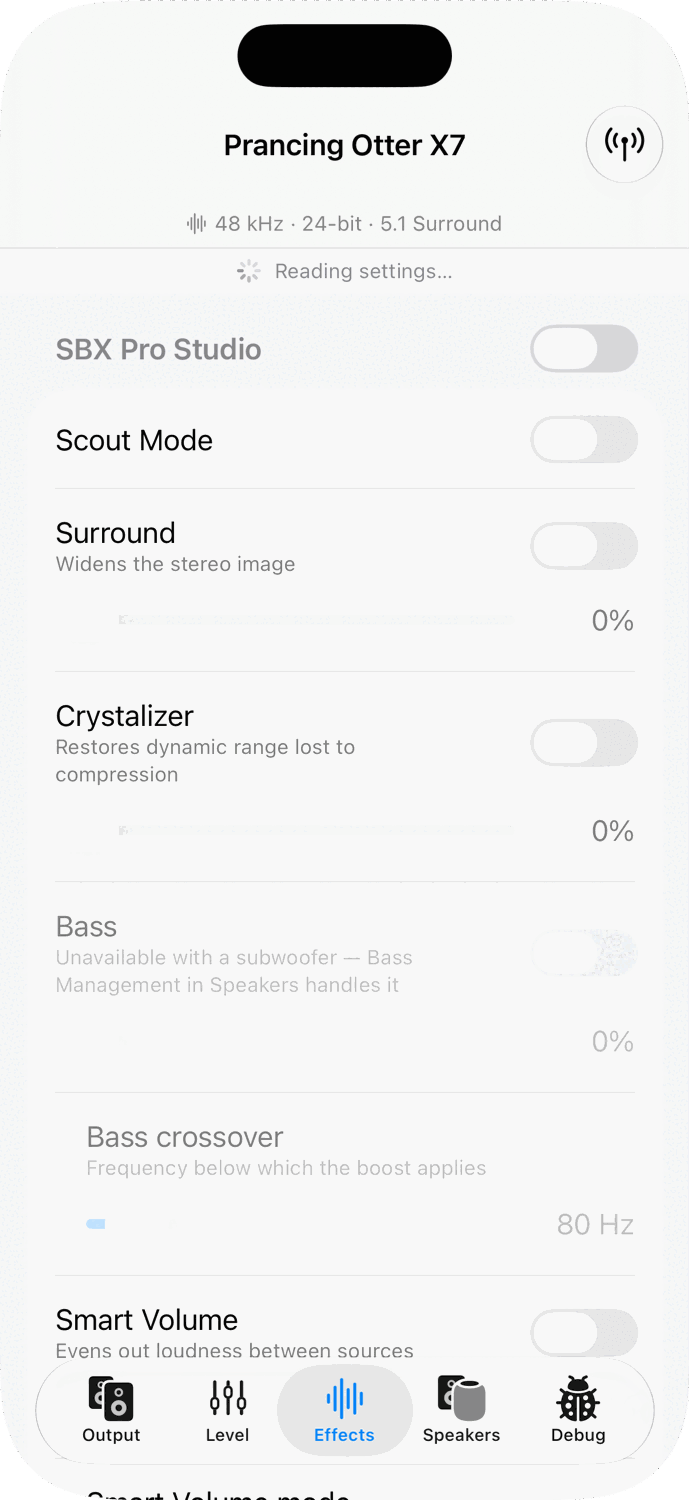
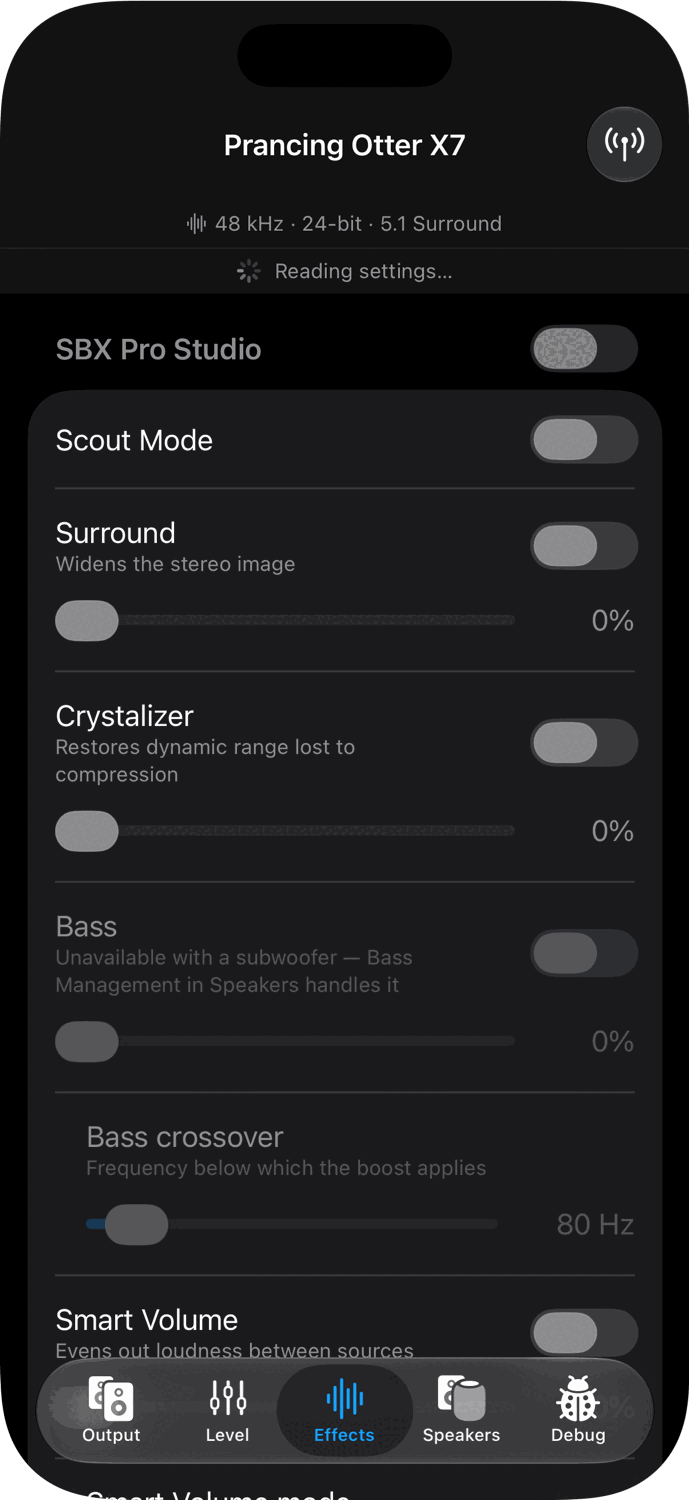
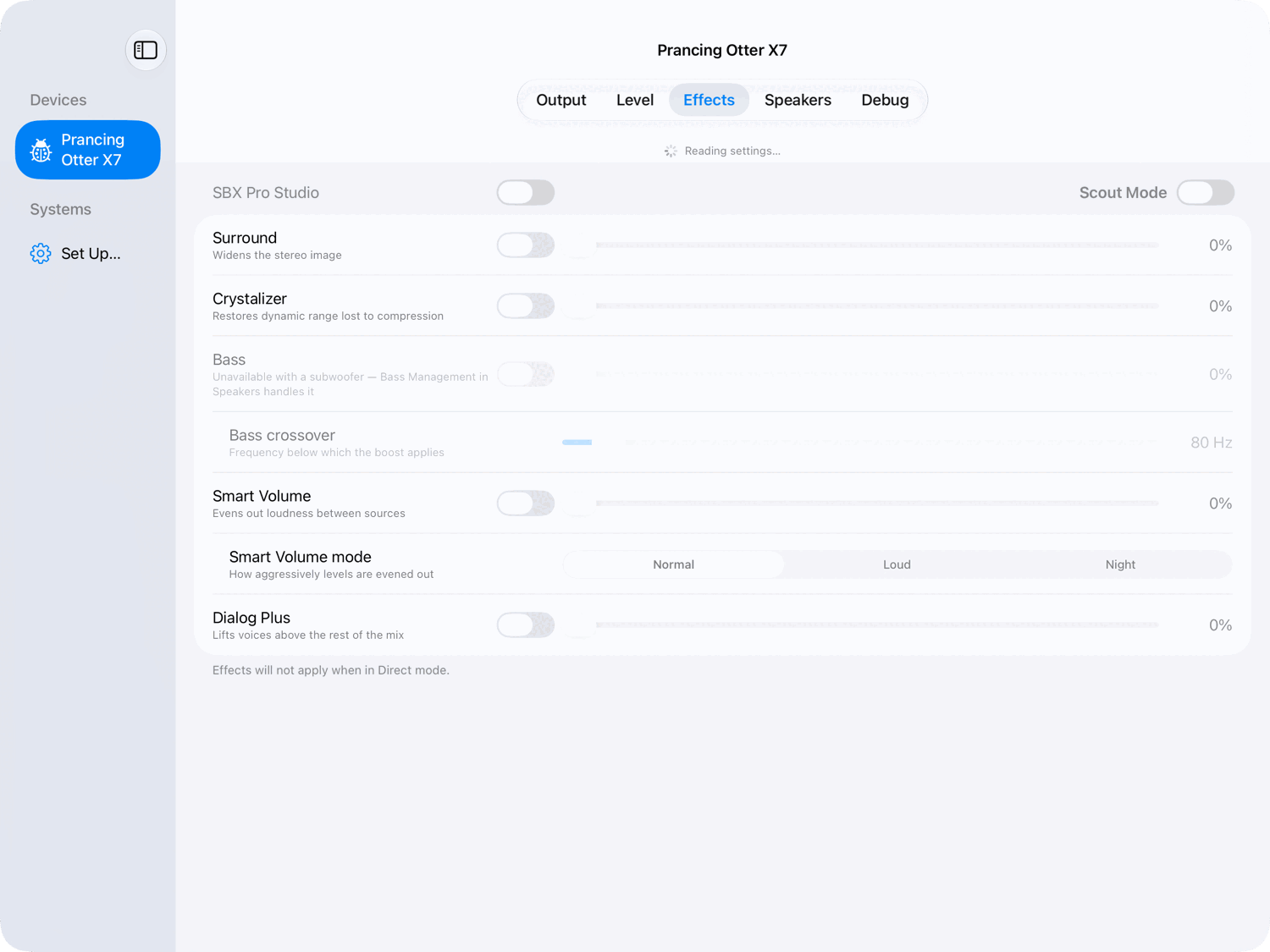
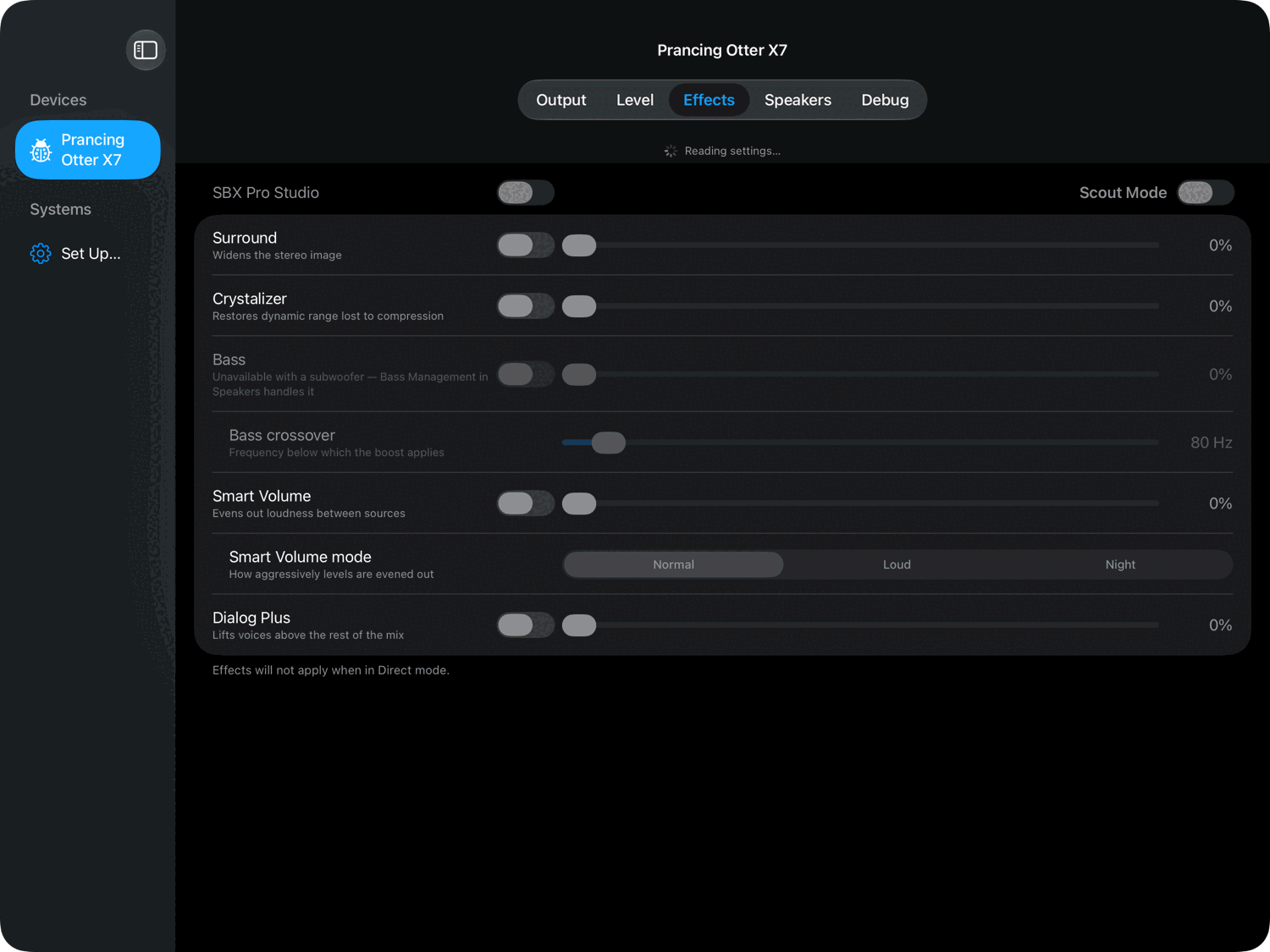
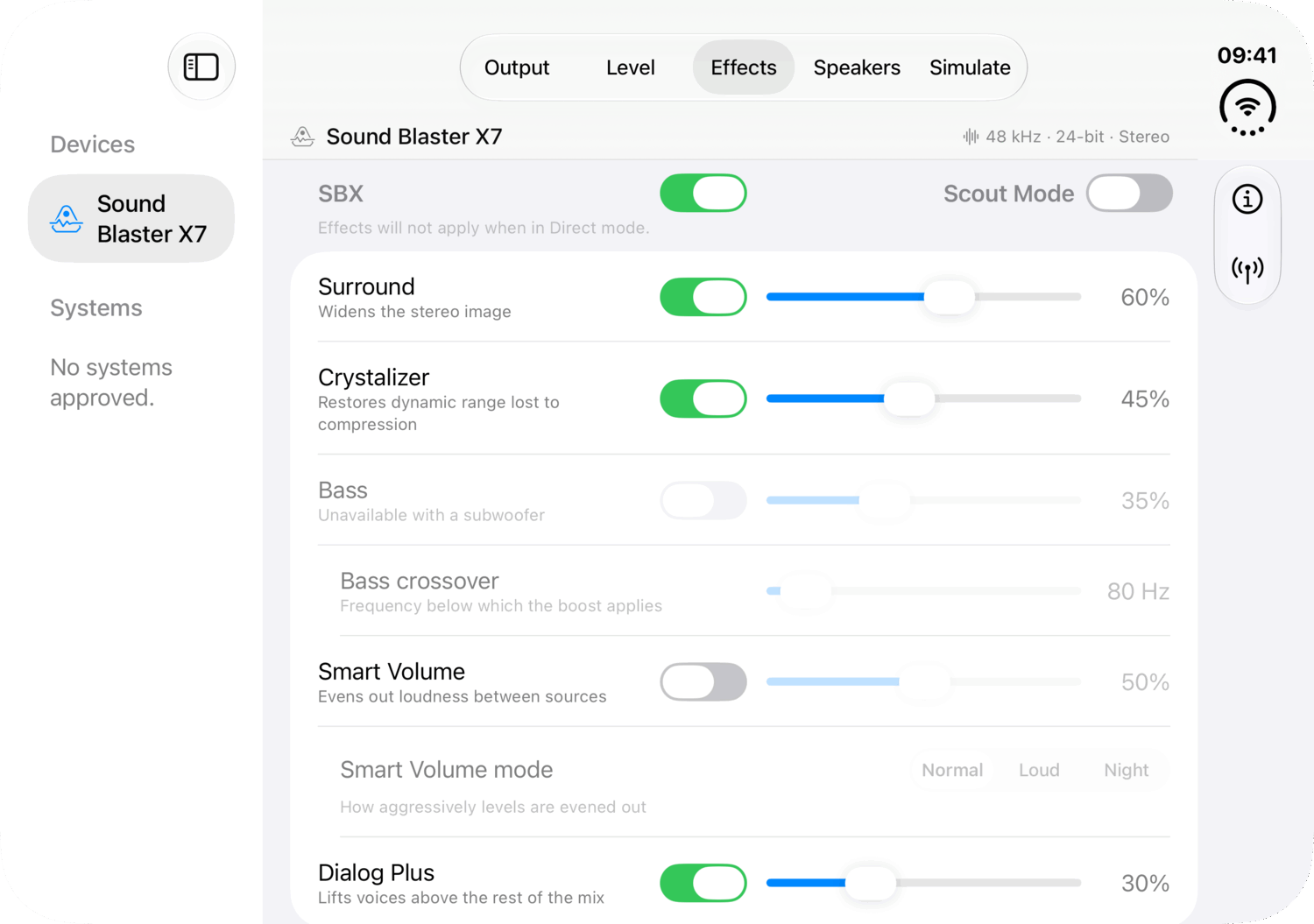
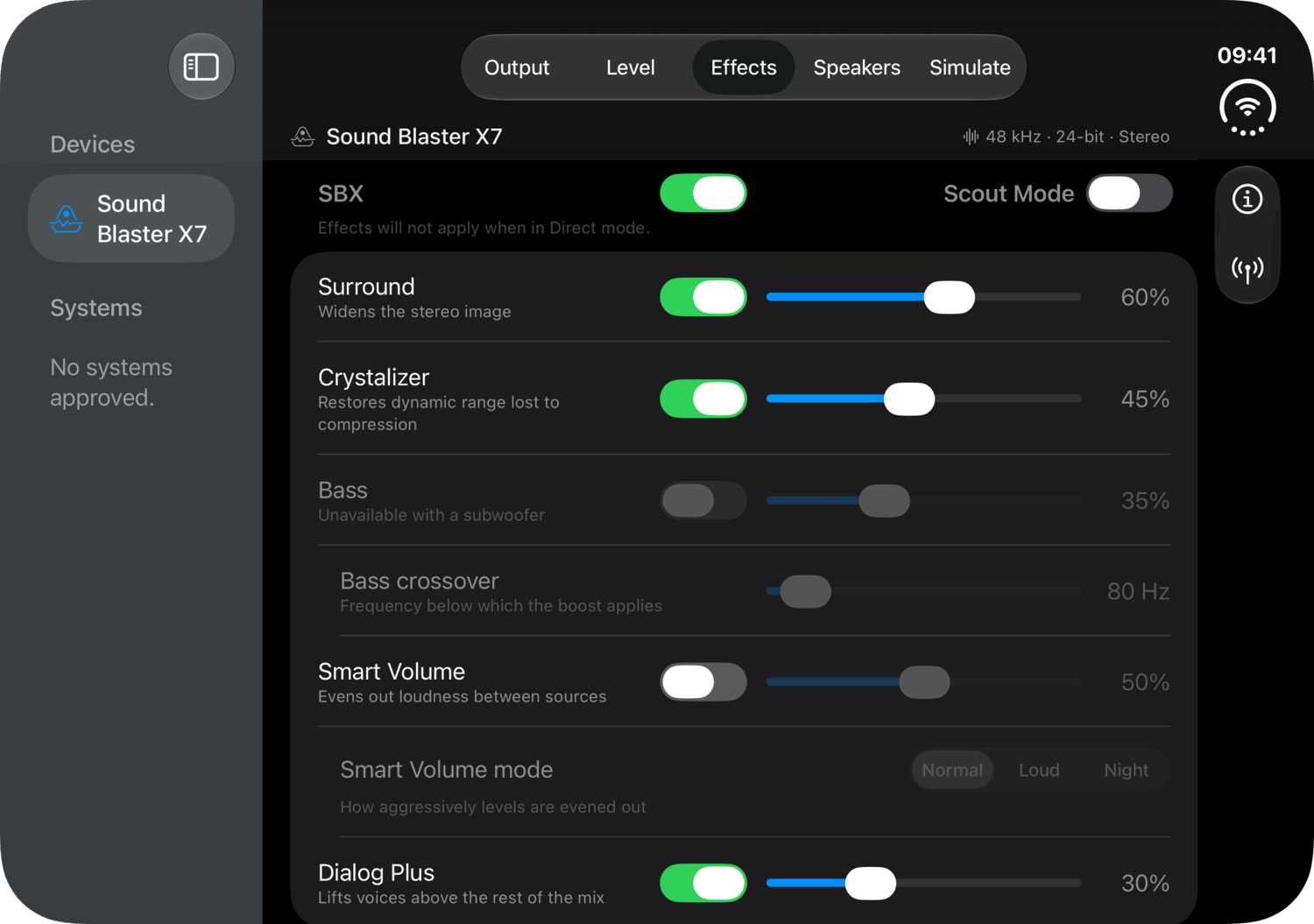
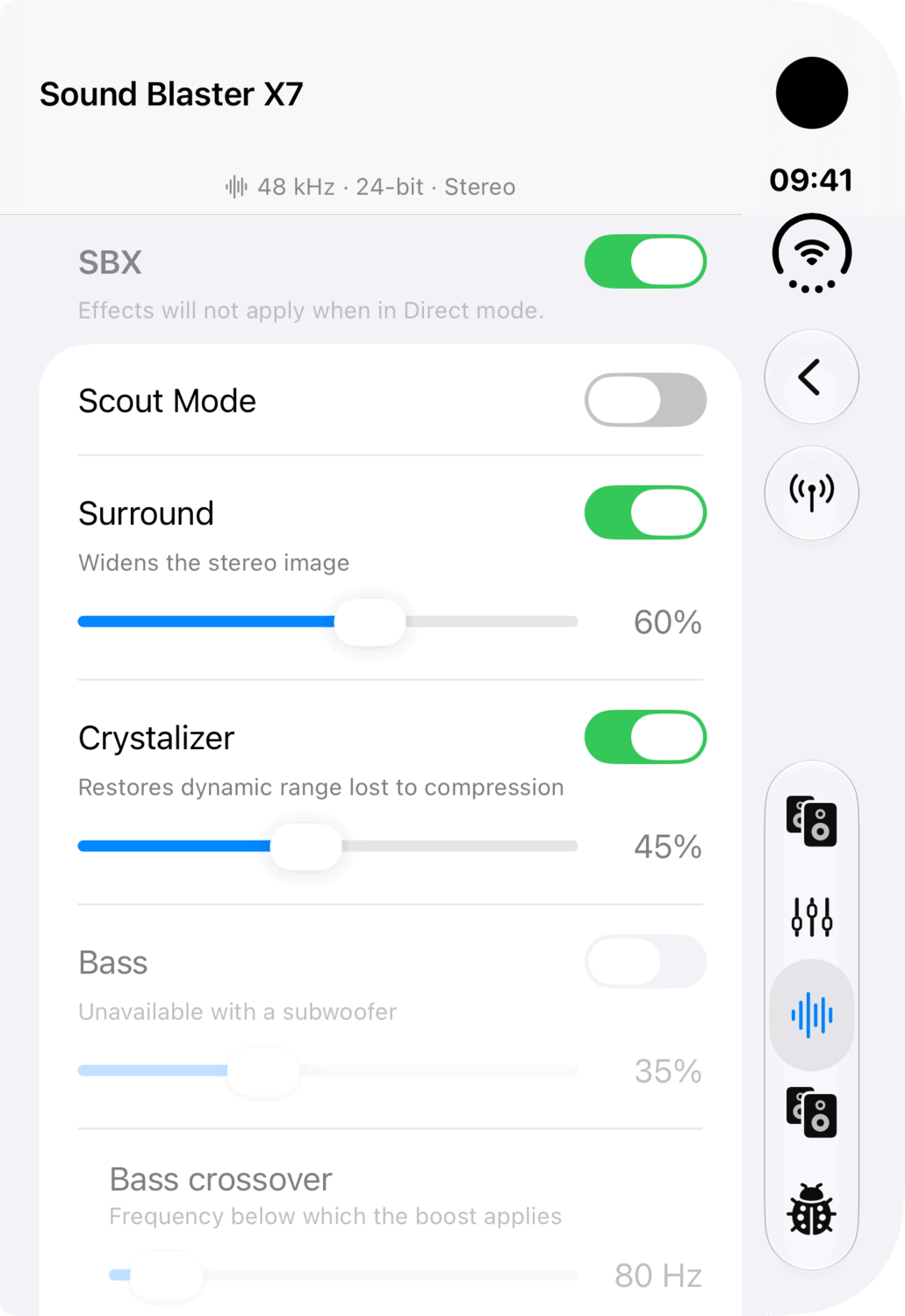
- The whole effect set. Surround, Crystalizer, Bass with its crossover, Smart Volume with Normal, Loud and Night, and Dialog Plus, each with a strength. Scout Mode turns Surround, Crystalizer, Bass and Dialog Plus off in one move, and back on again.
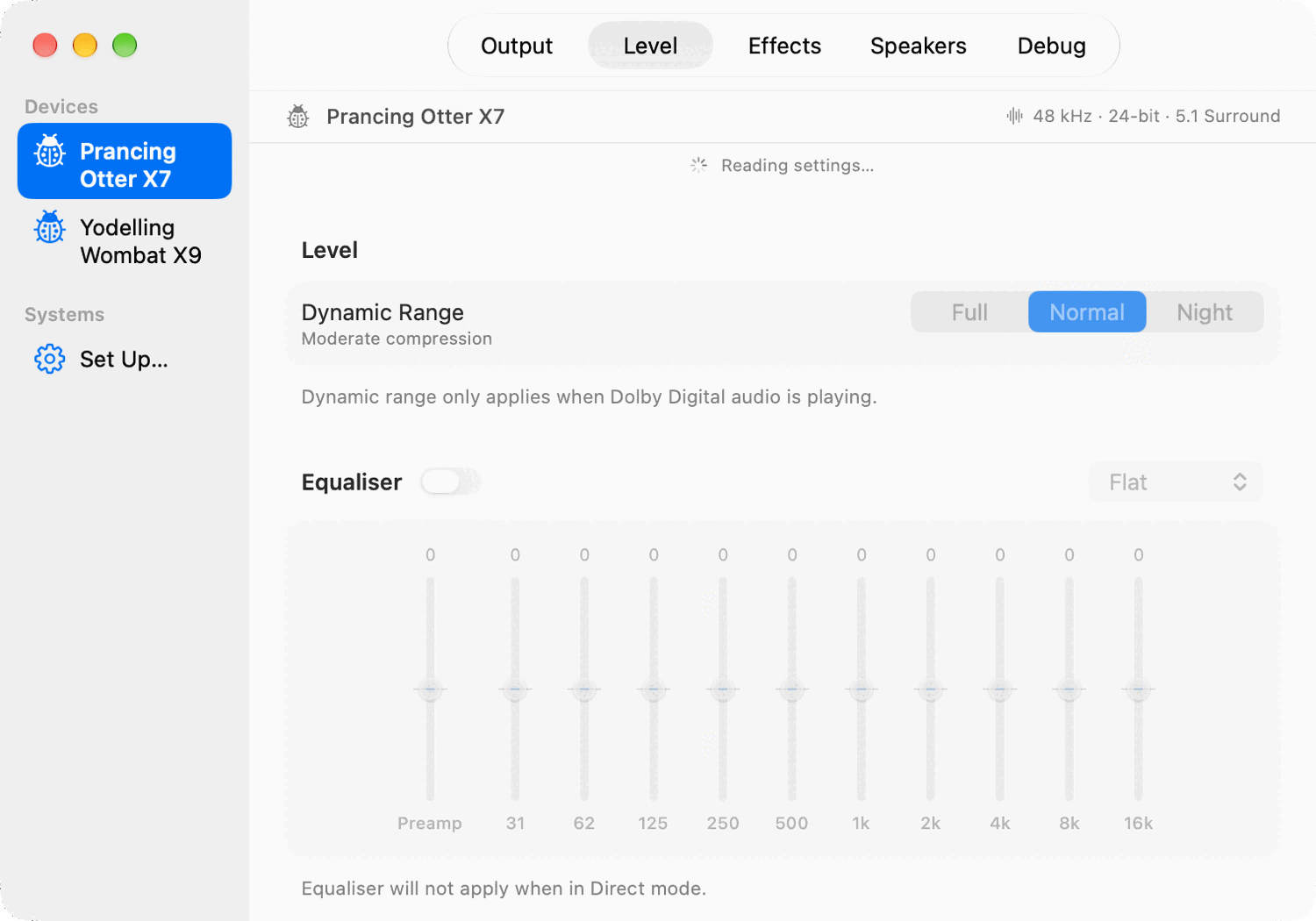
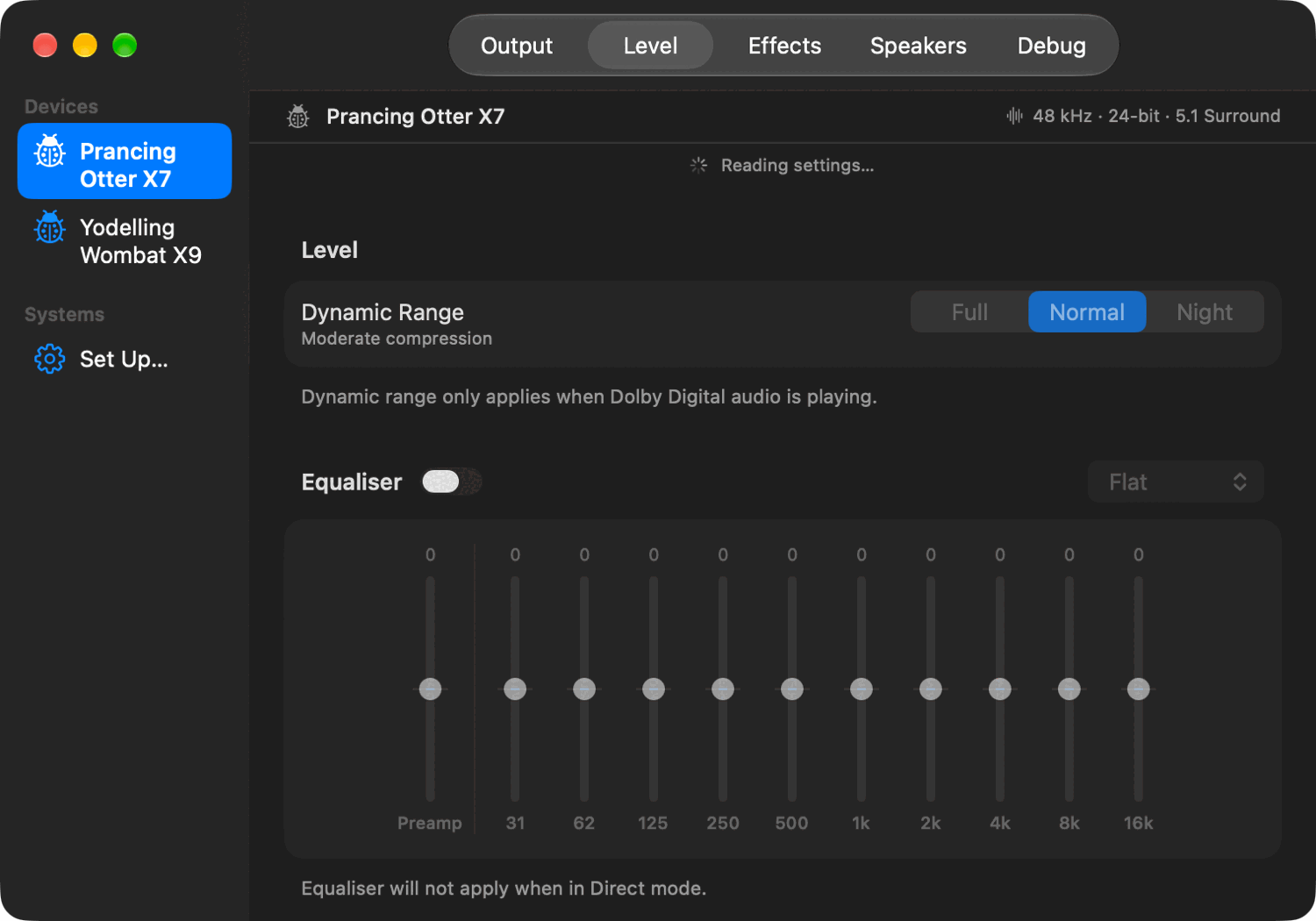
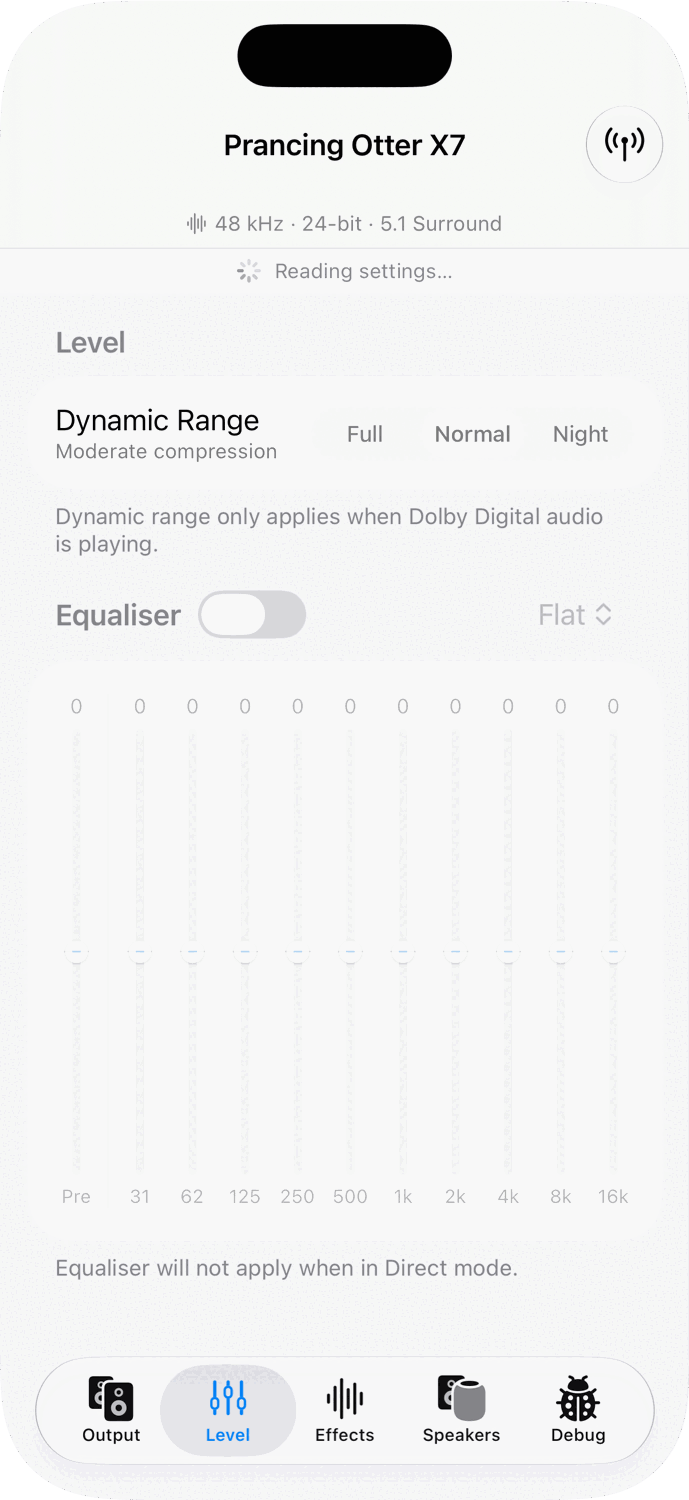
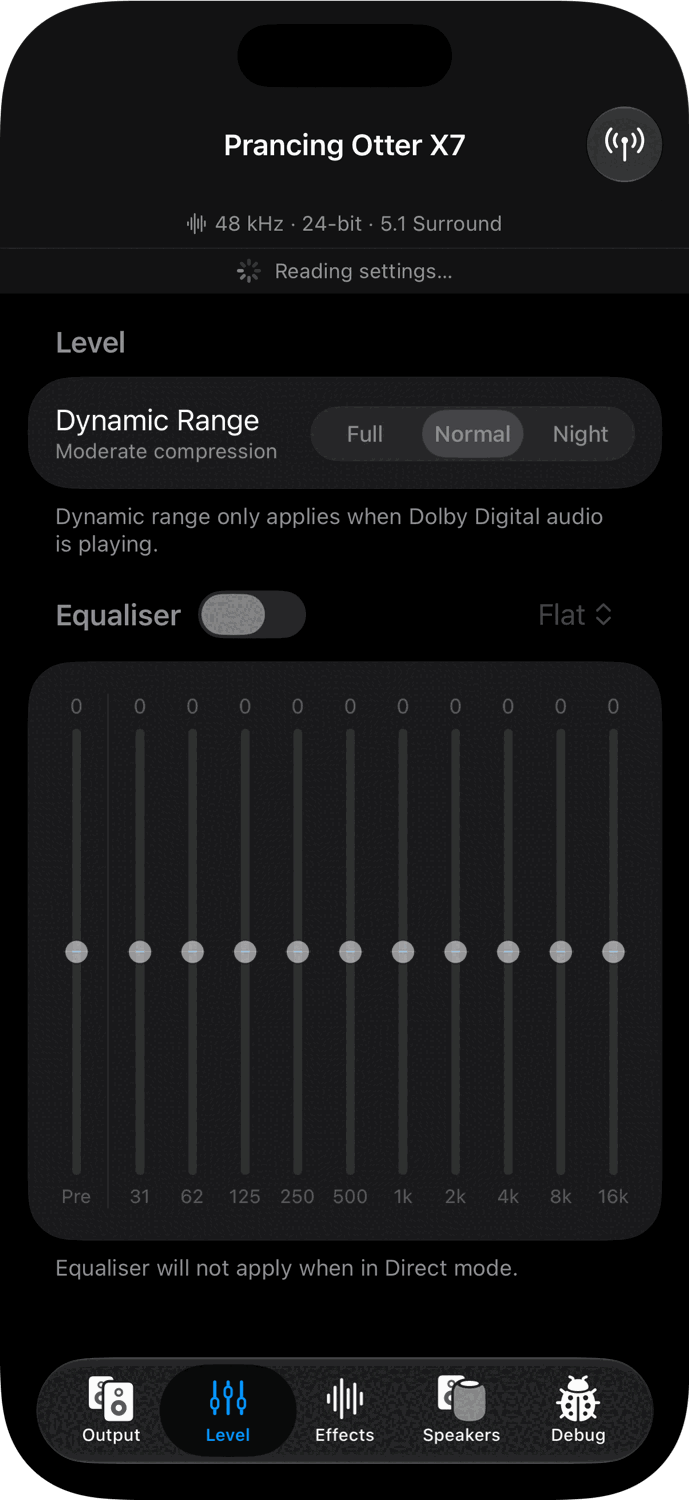
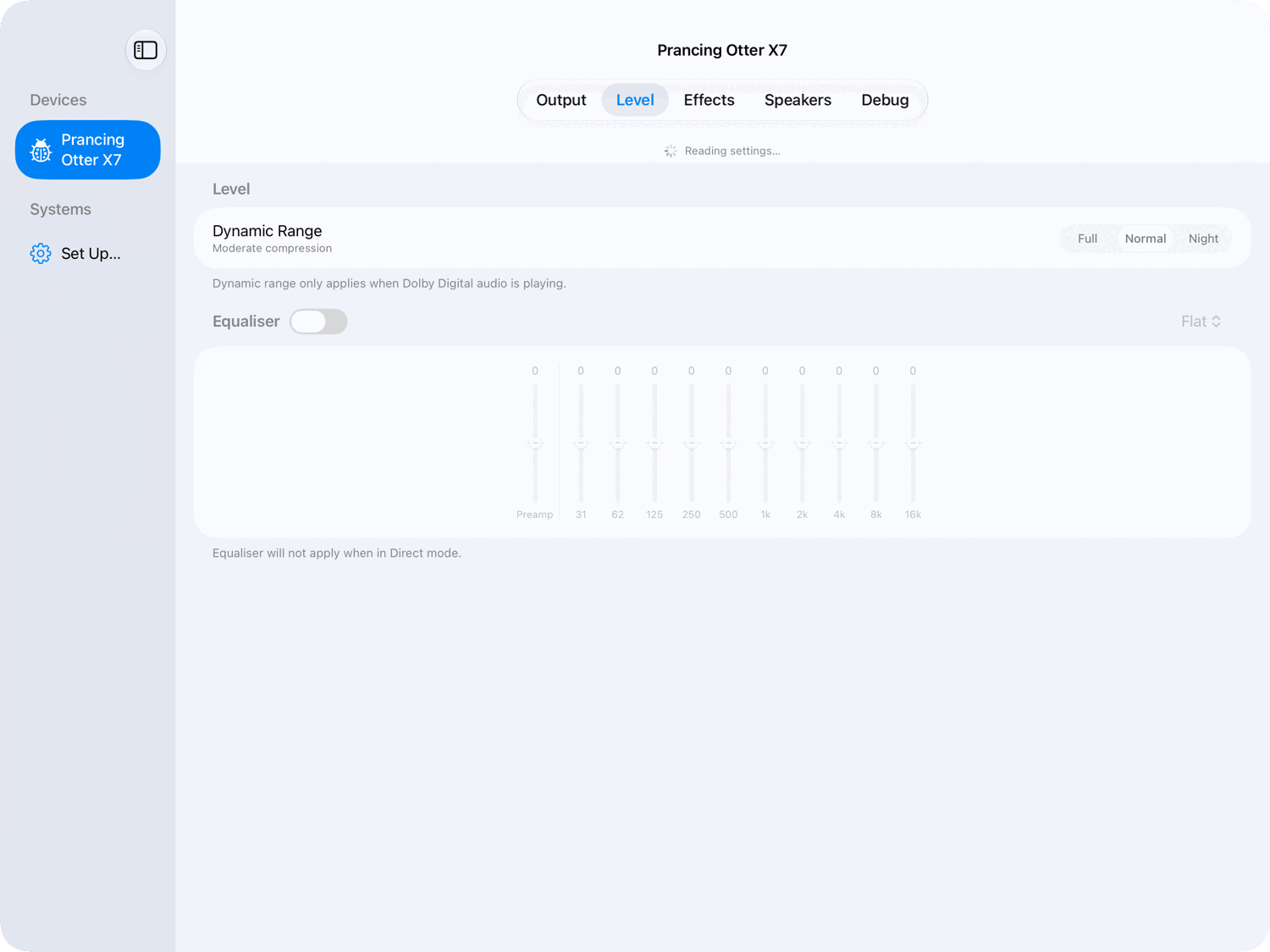
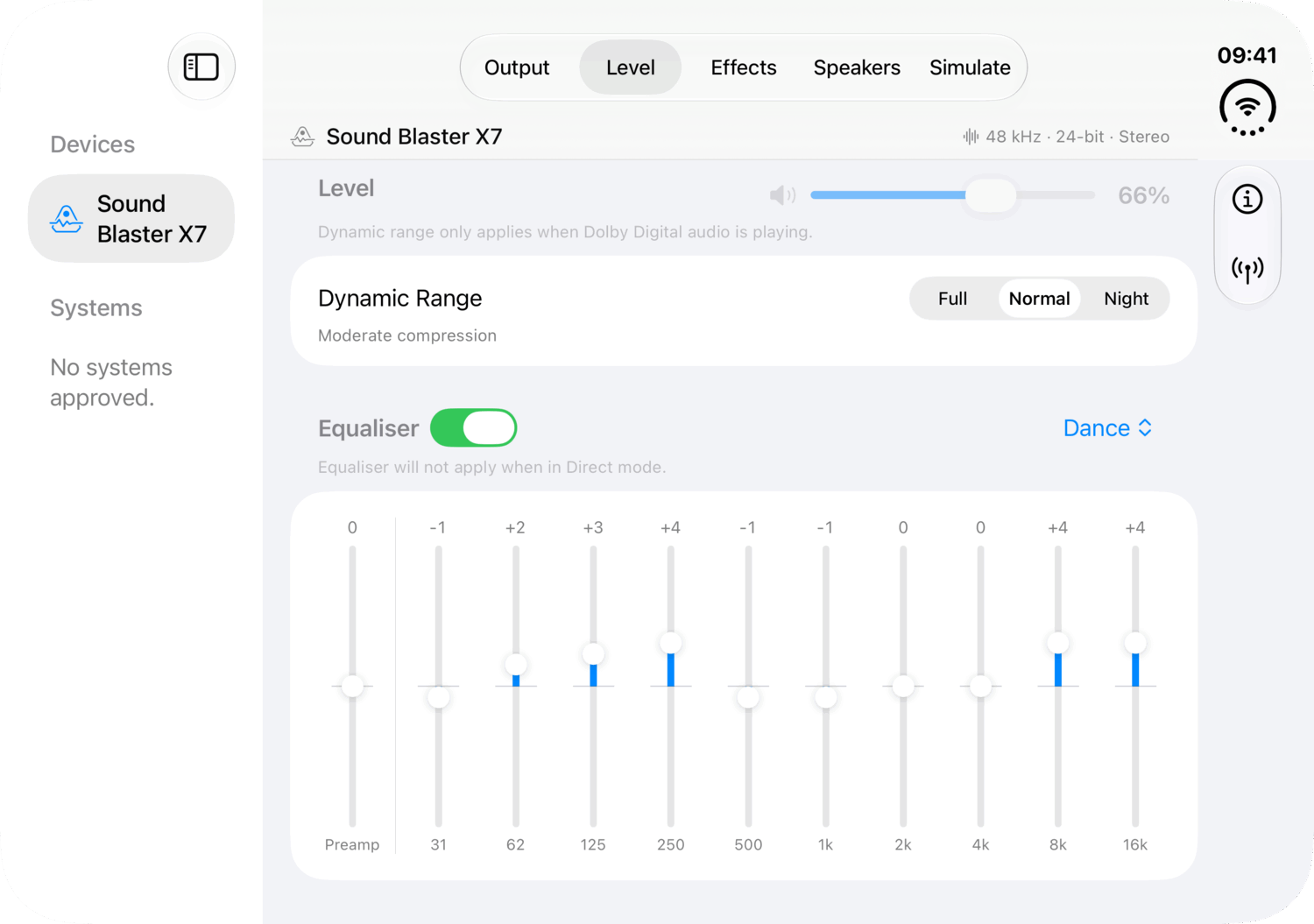
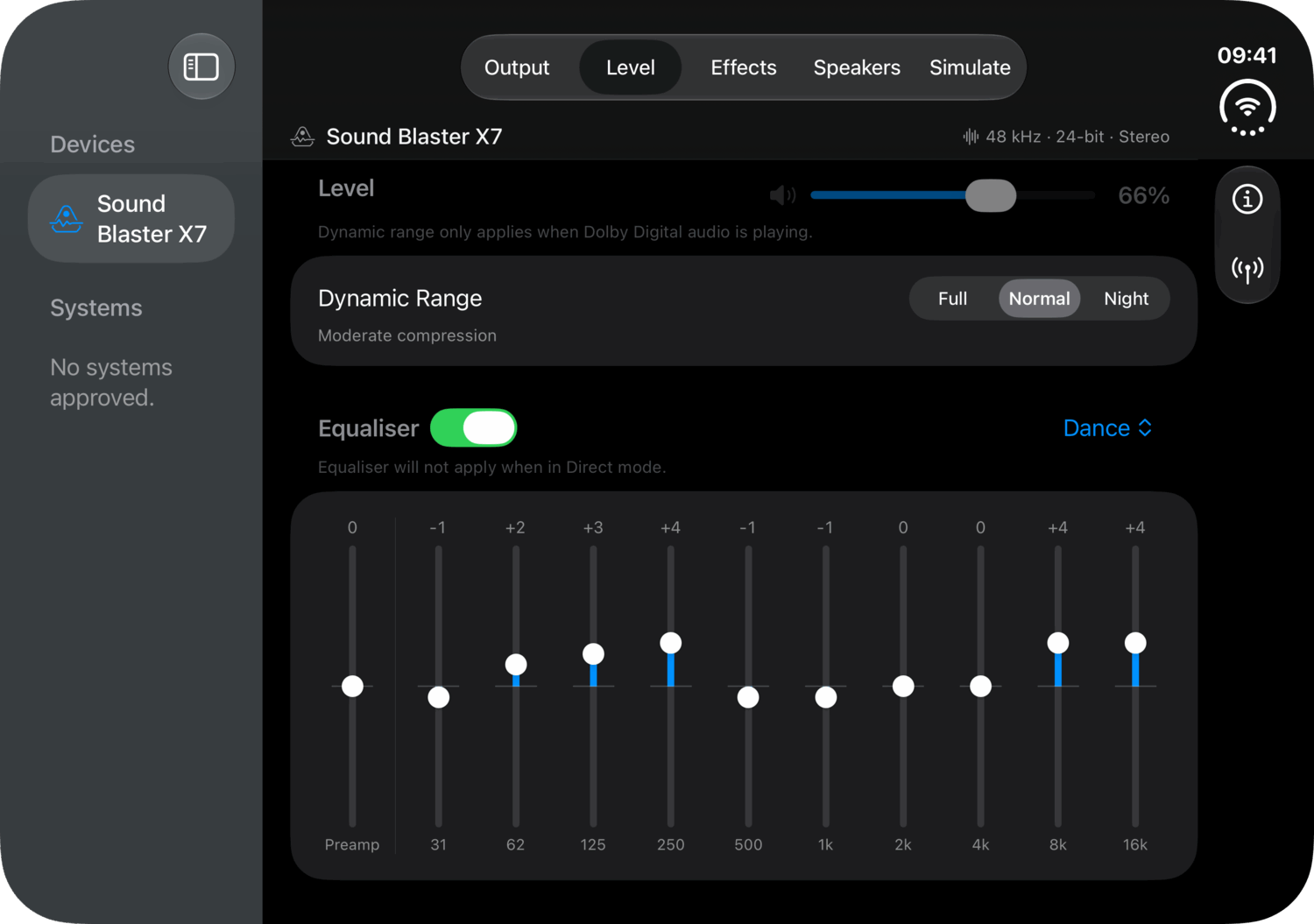
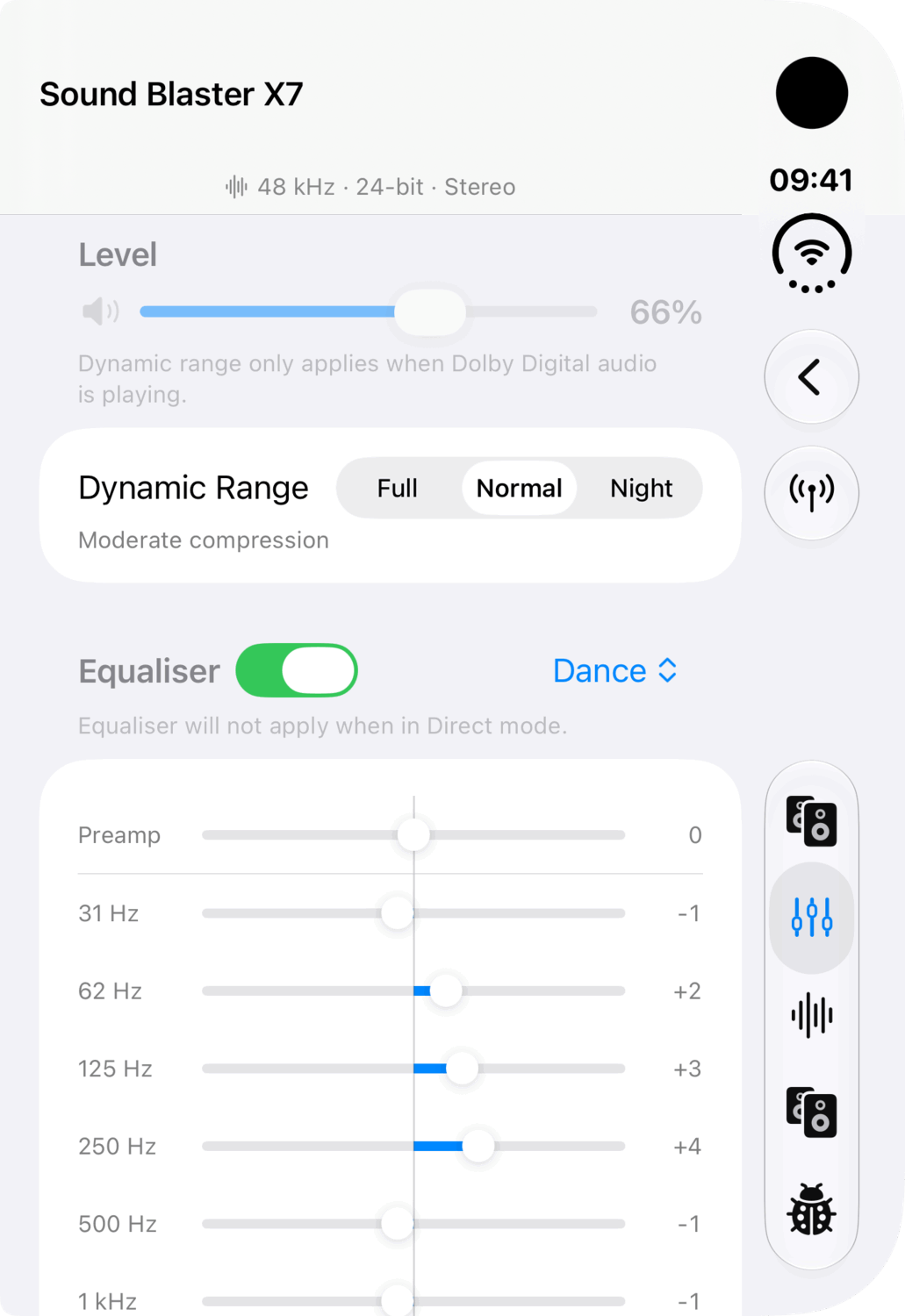
- A ten-band equaliser. Preamp and ten bands from 31 Hz to 16 kHz, Creative's presets included, and the app tells you when the curve you have is one of them.
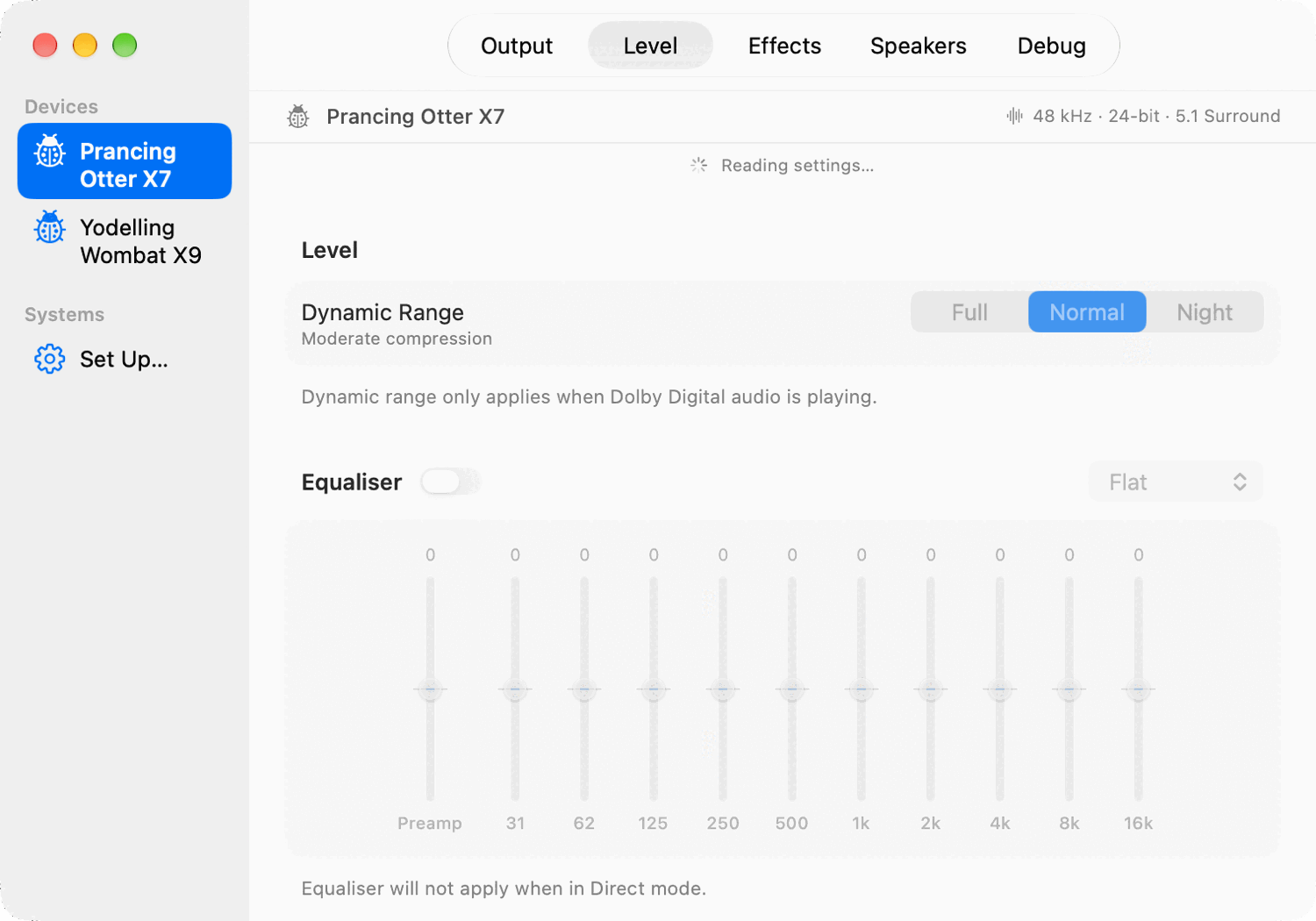
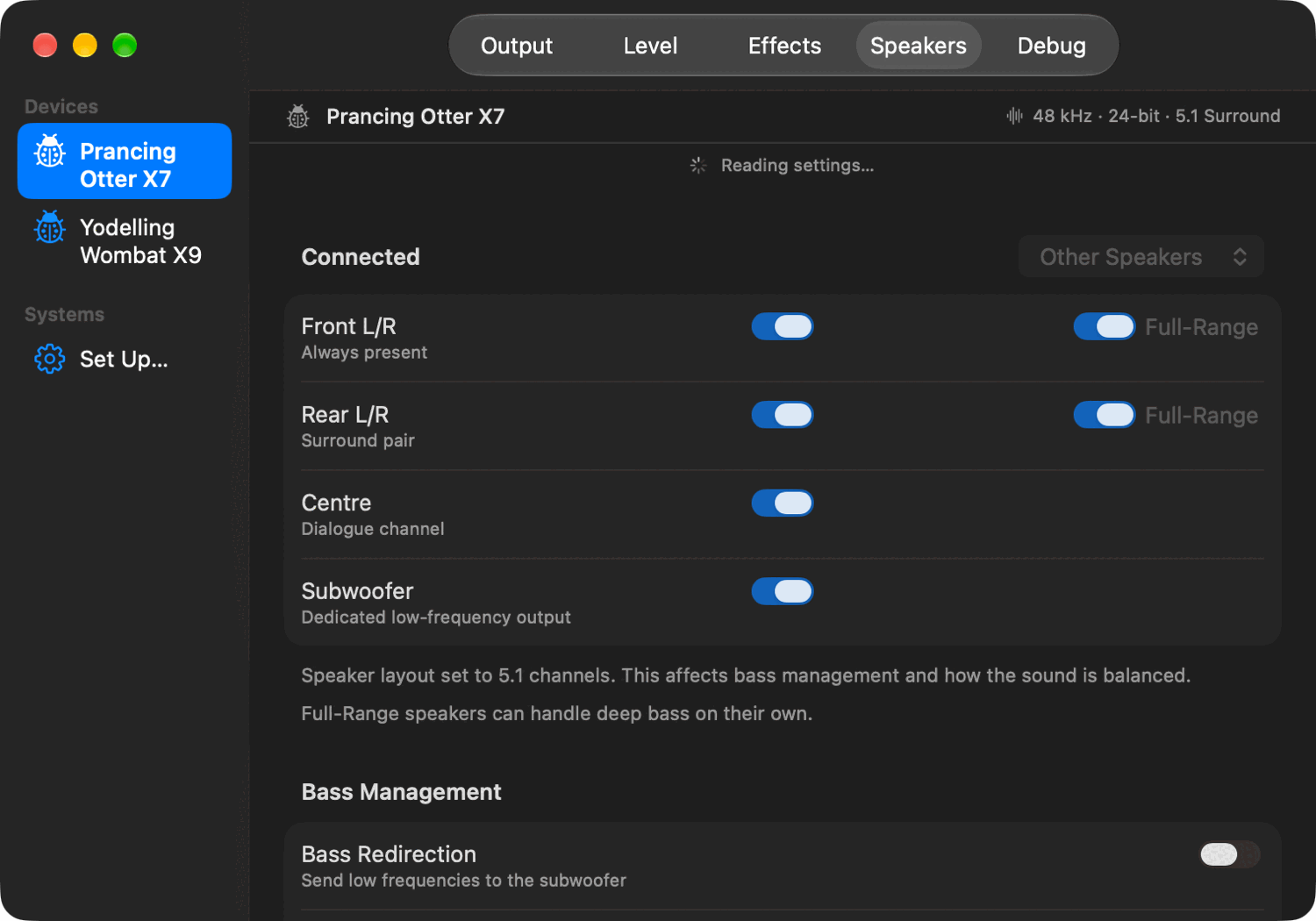
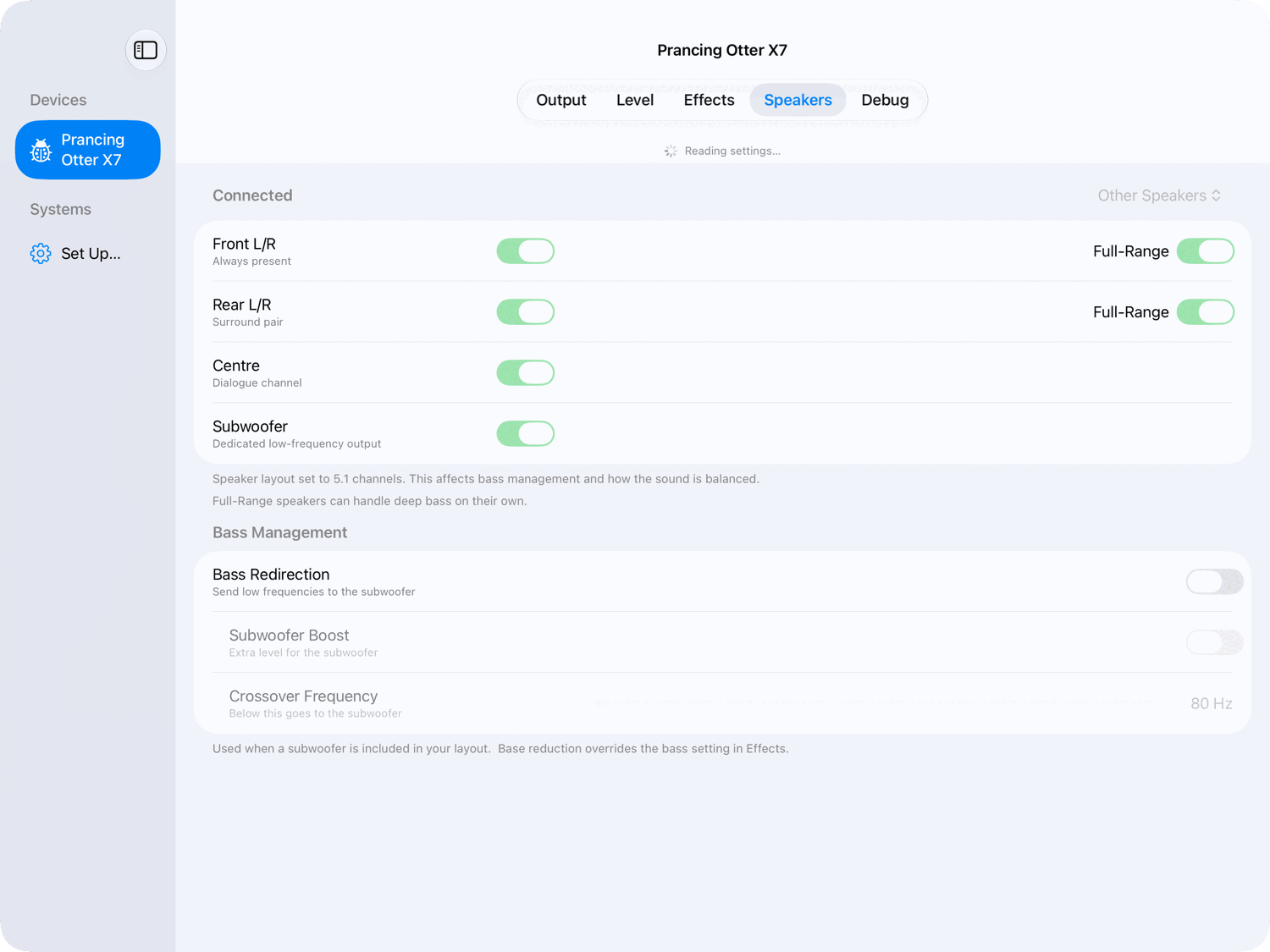
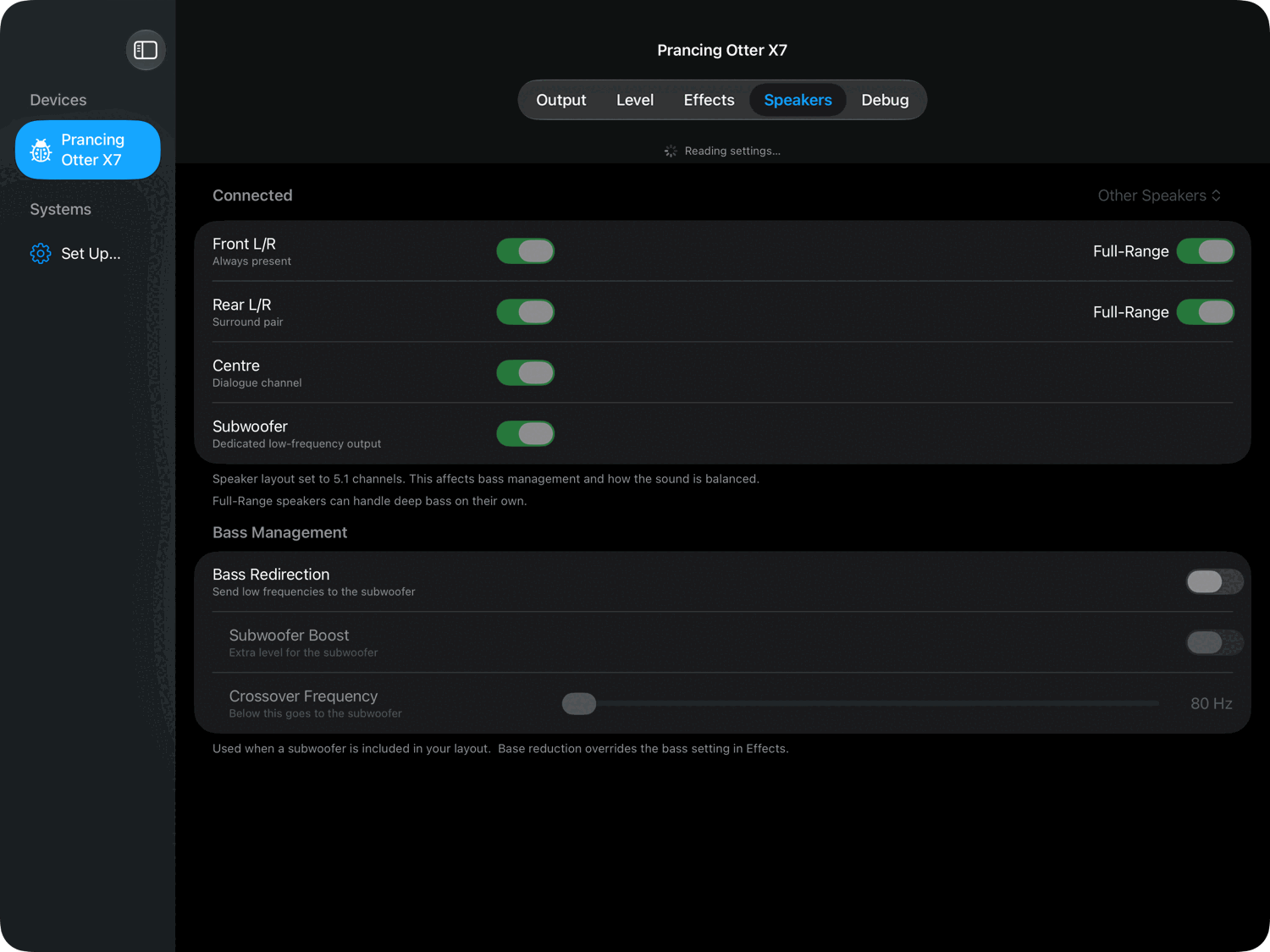
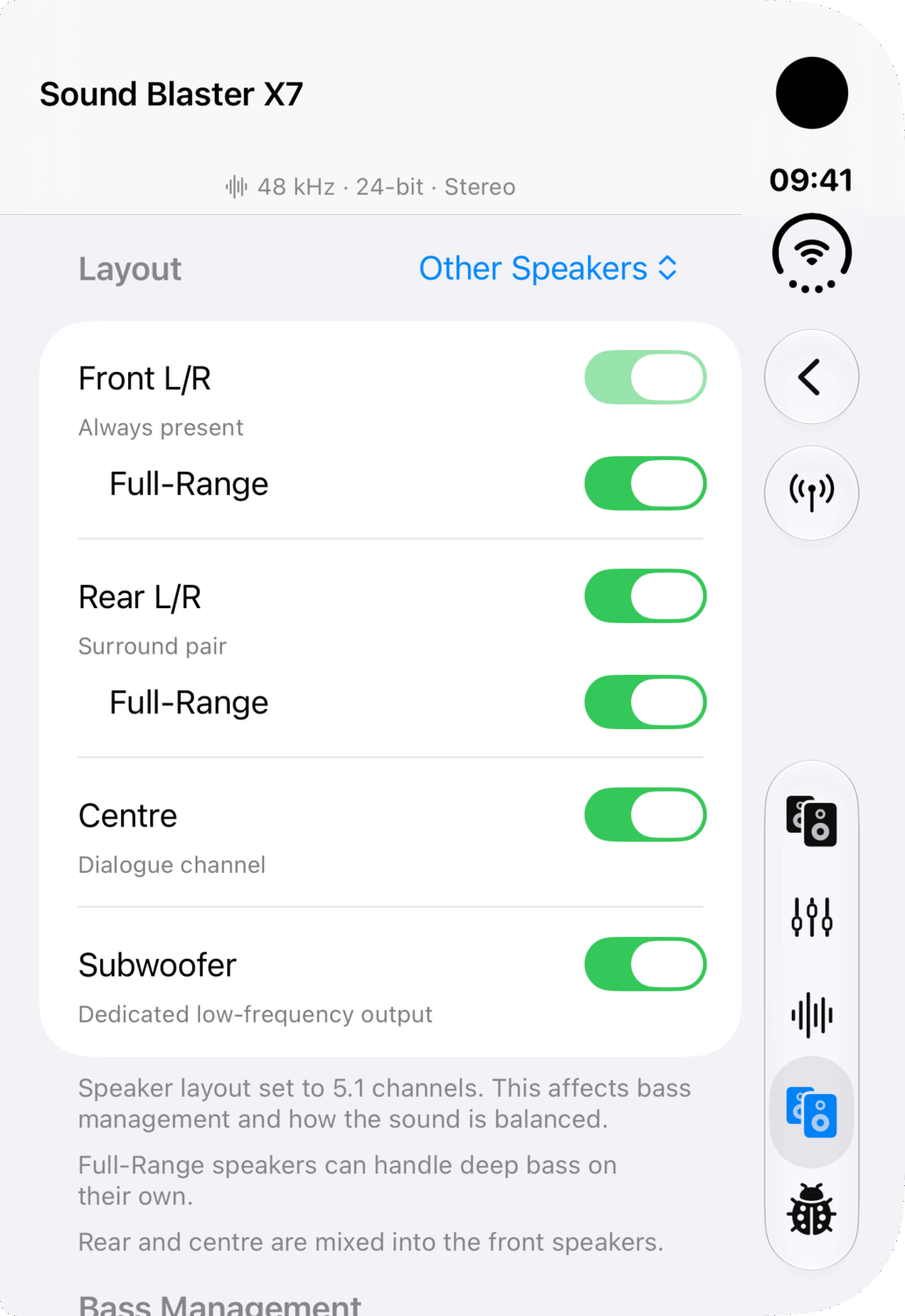
- Speakers and the room. Which channels are attached, which pairs are full-range, where the bass goes, and a test tone per channel to find one wired the wrong way round.
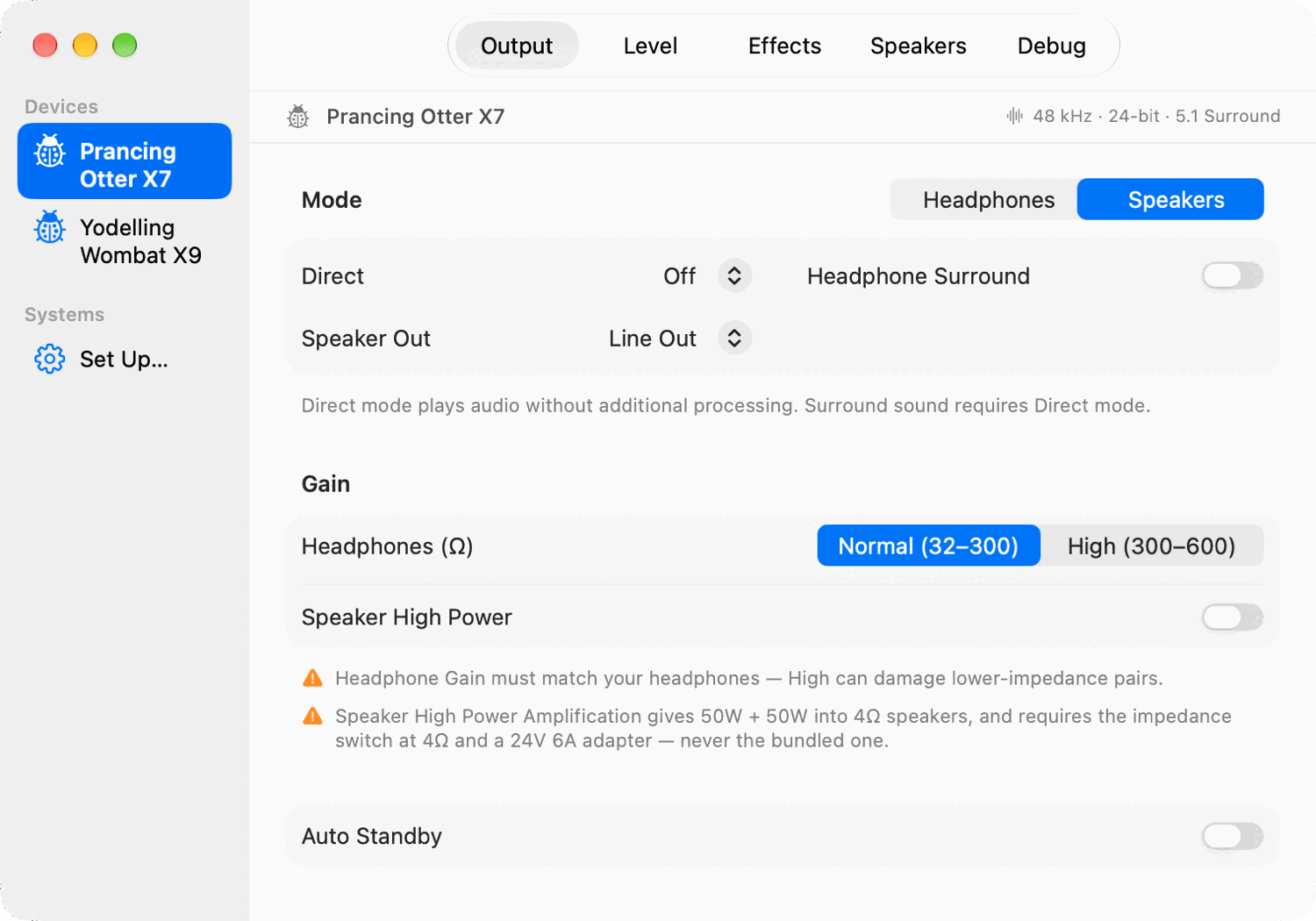
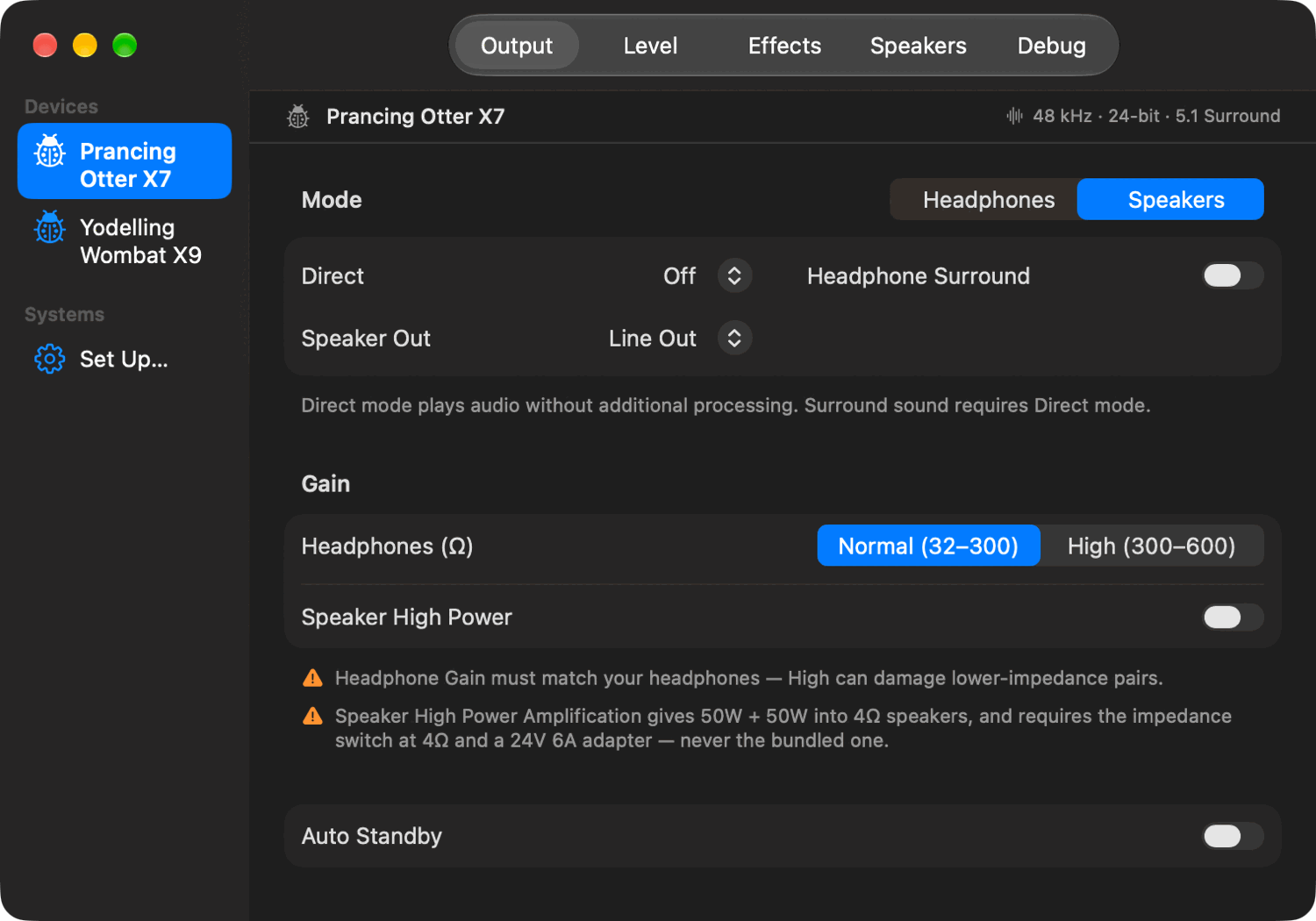
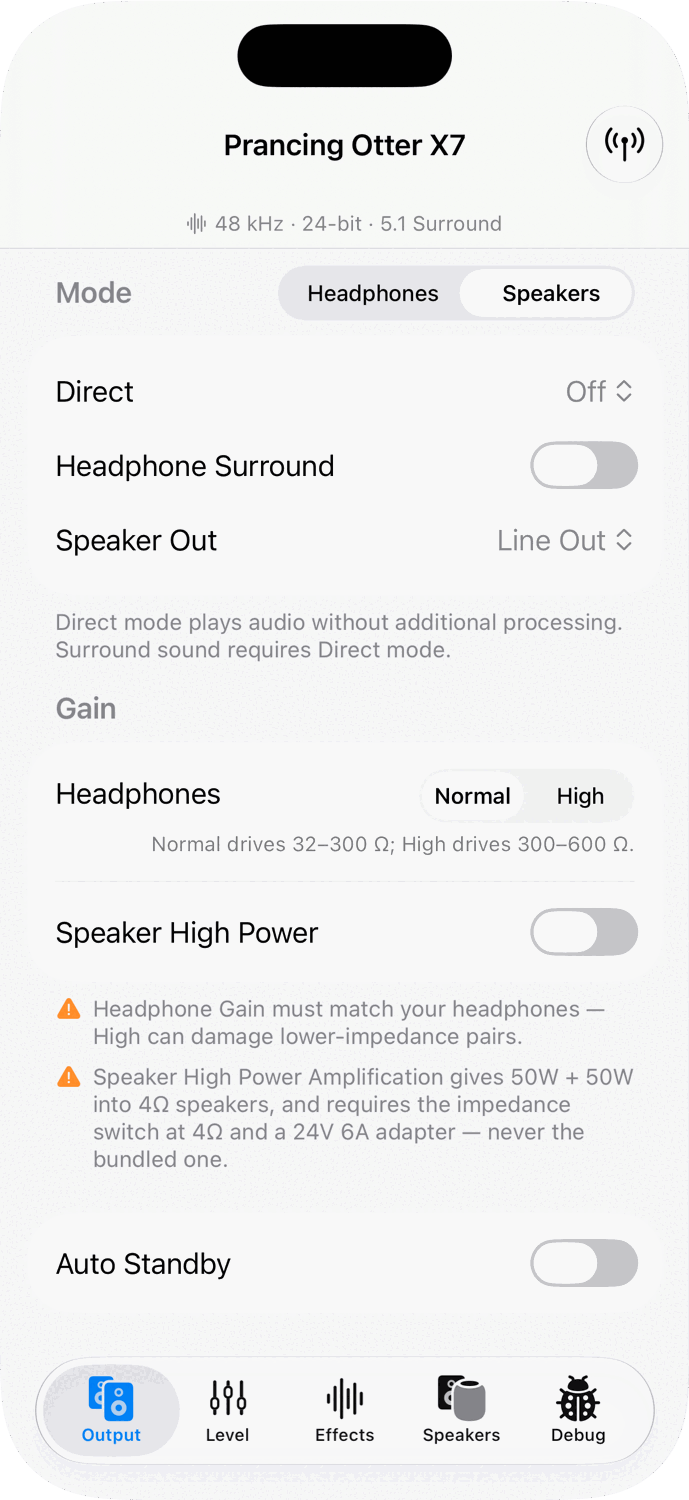
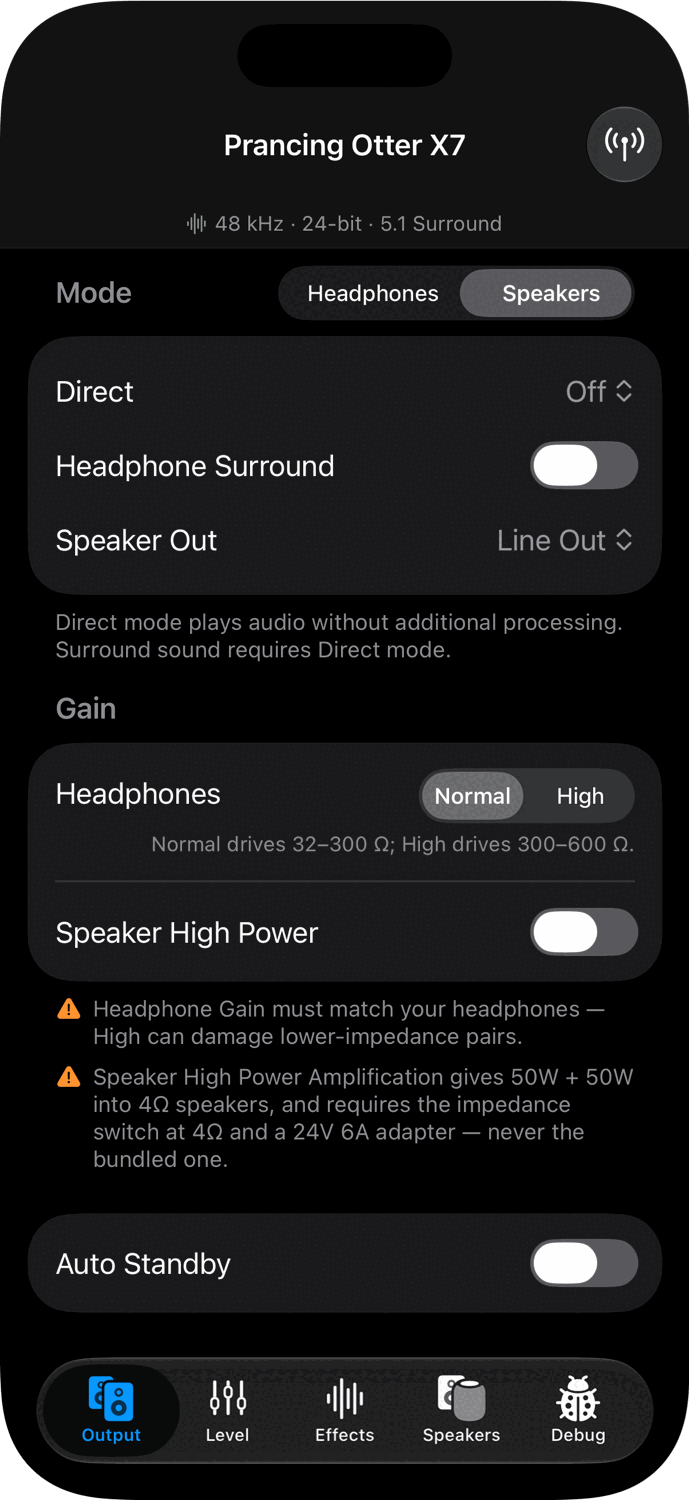
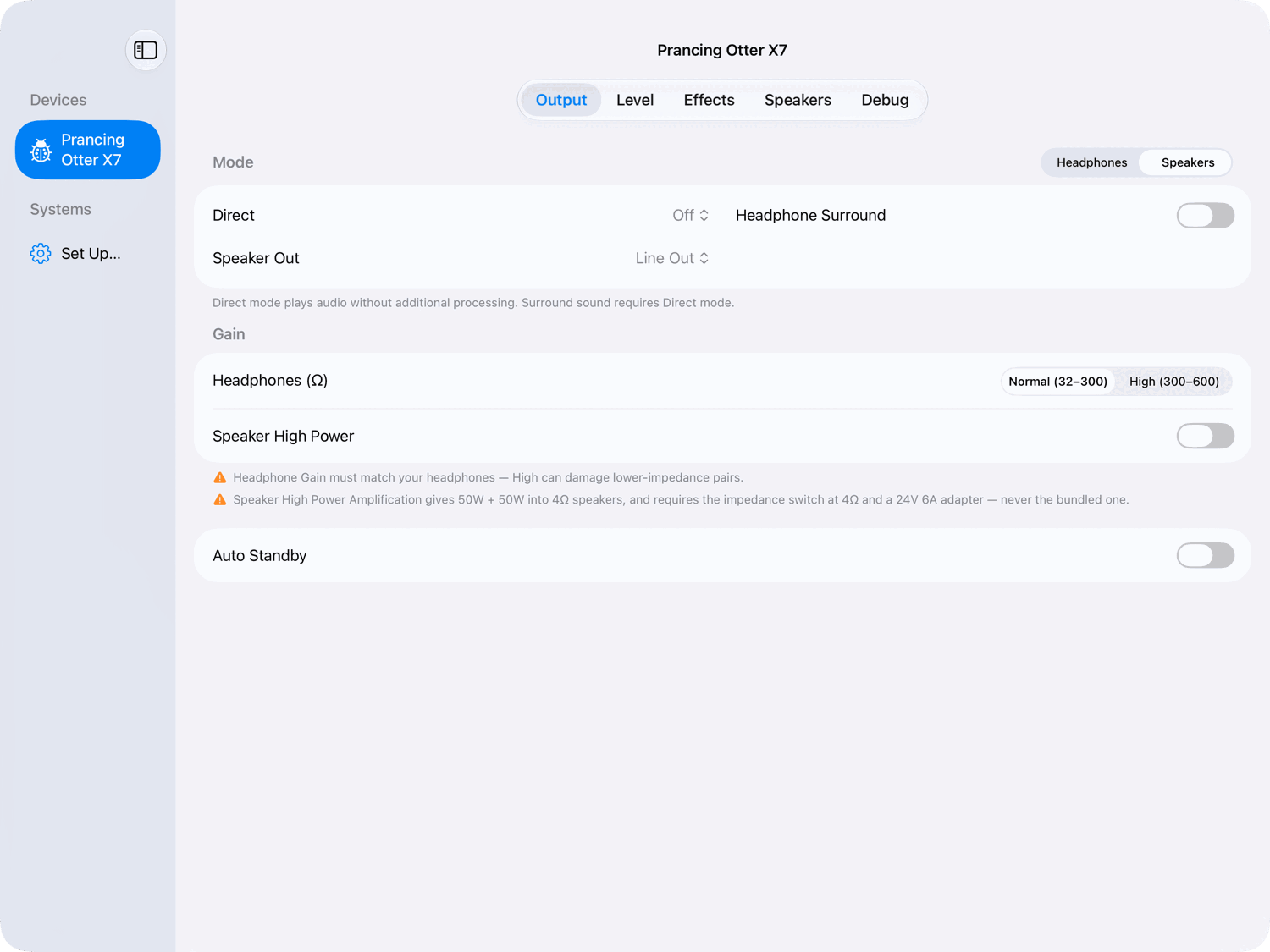
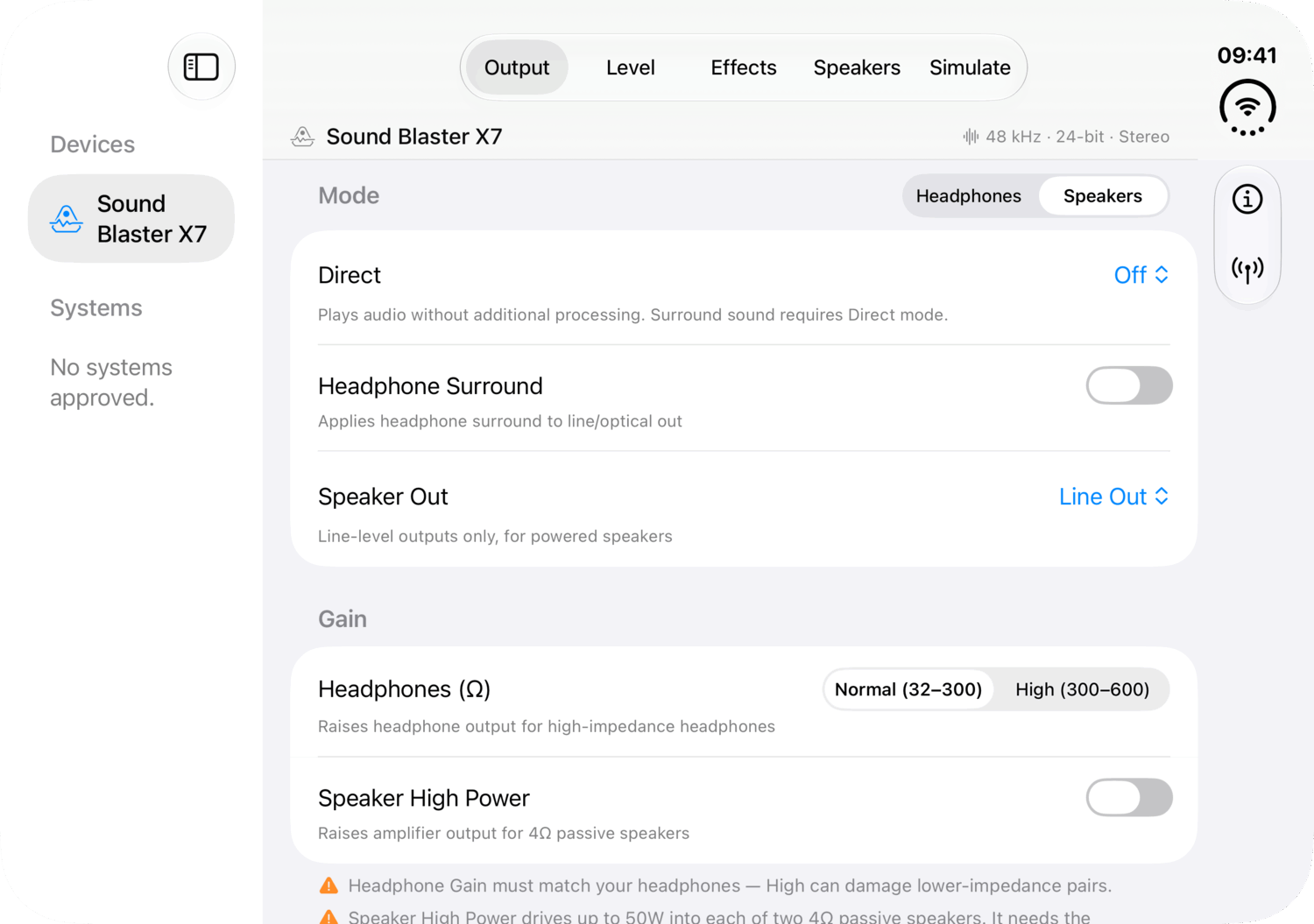
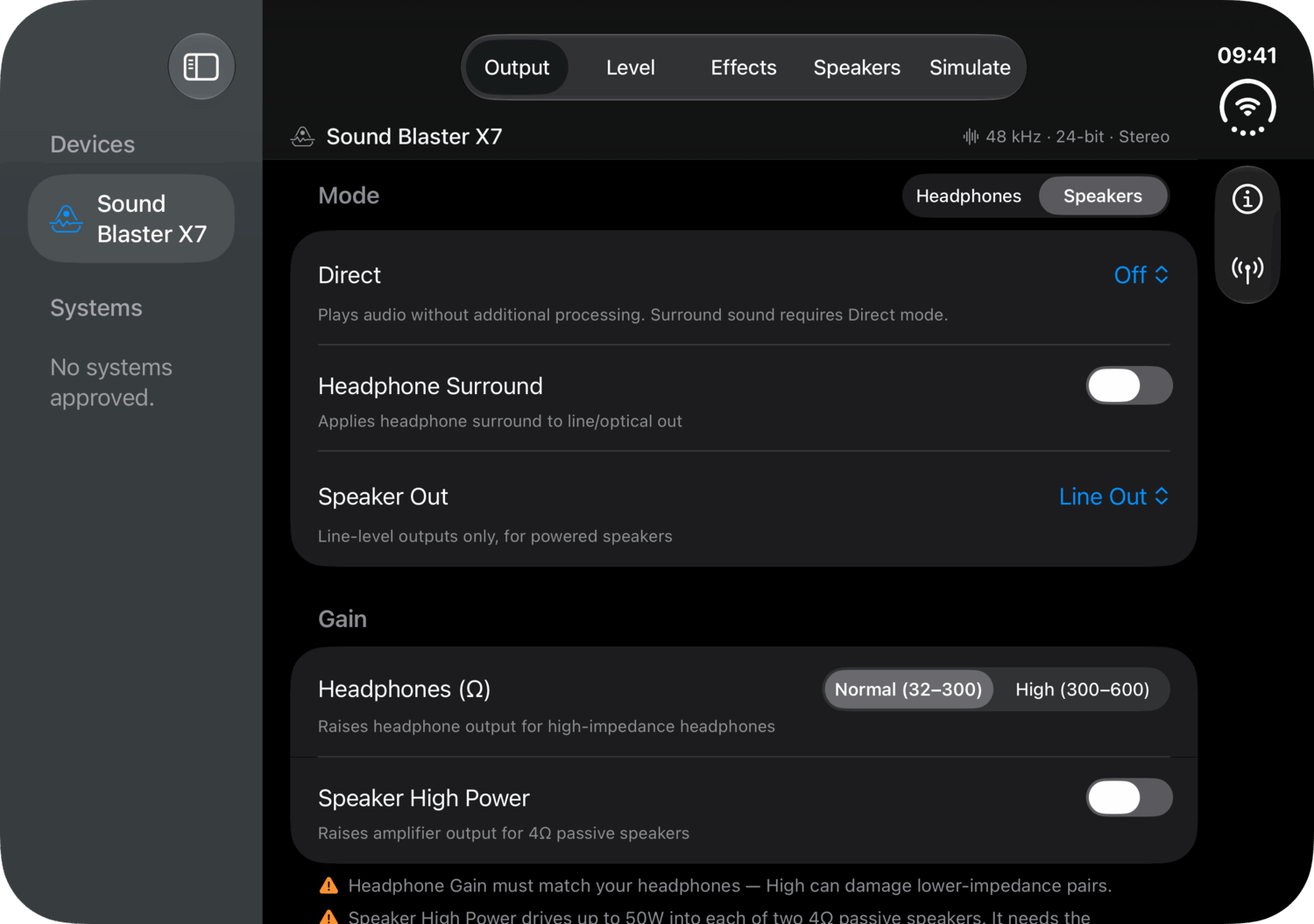
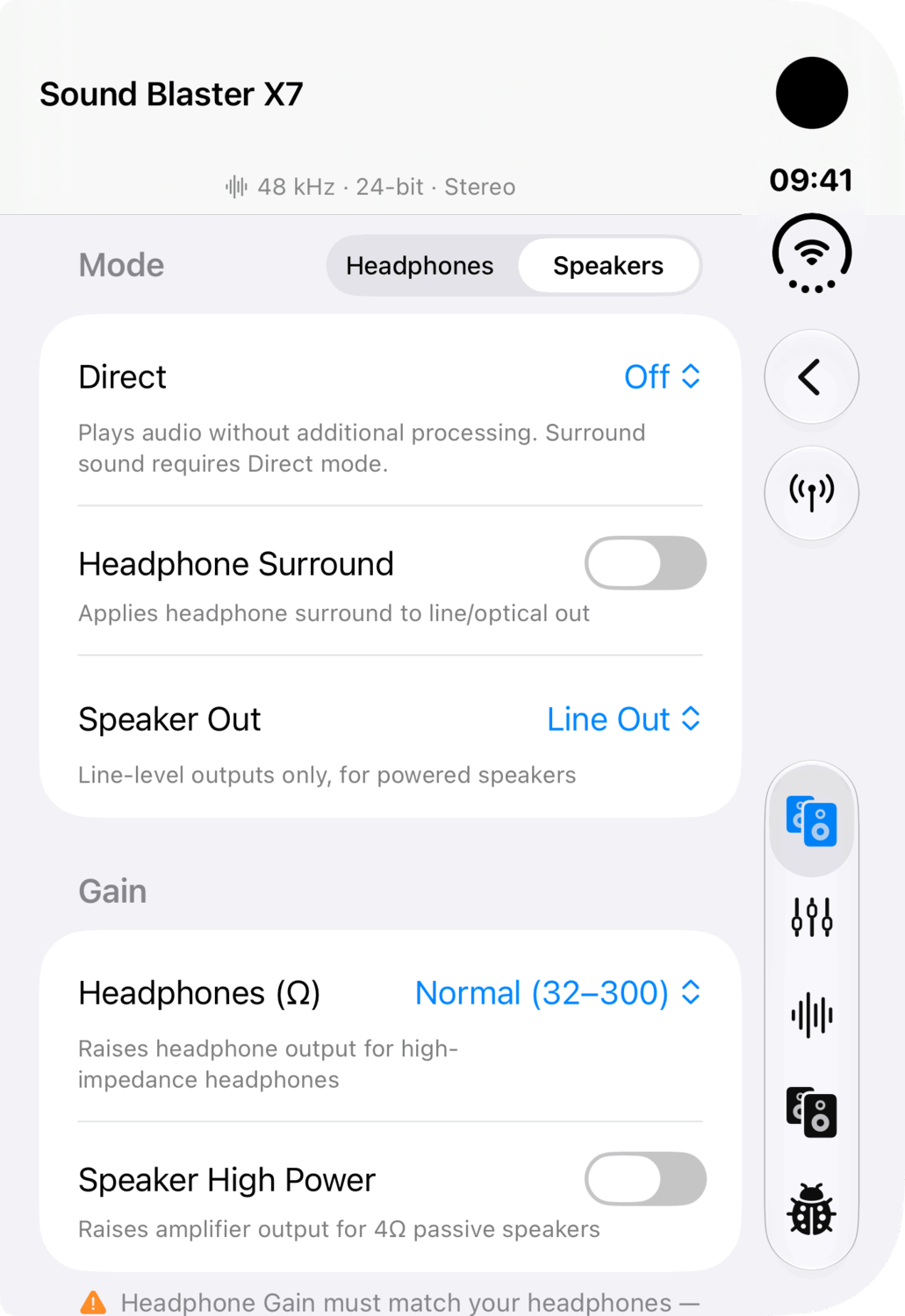
- Direct modes and gain. Send the computer's sound, or the optical input's, straight through untouched; choose the headphone gain for your headphones; and switch on high-power amplification, with the warnings that go with it.
- Volume and dynamic range. Volume and mute on the Mac, and volume on an iPhone or iPad playing through the unit. Full, Normal or Night dynamic range for Dolby Digital.
- More than one unit. Over USB, Bluetooth or another system, each with a row of its own.
- Built not to break anything. A few commands can rewrite the unit's permanent memory. Ohmage never sends them, and is built so it cannot.
Screenshots
Mac
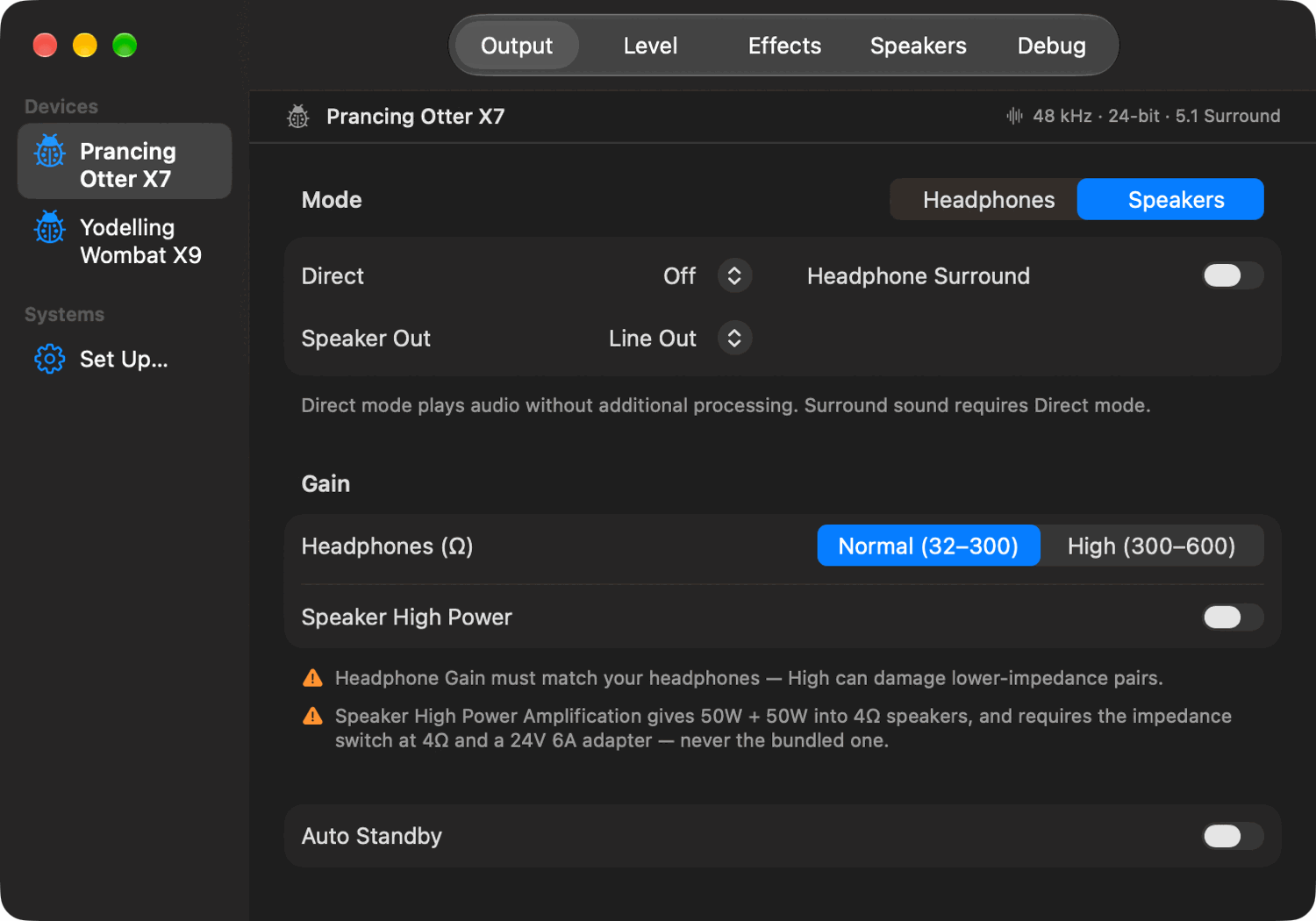
A menu bar panel for the frequent things, and a window for configuration. The window's sidebar lists every unit the Mac can see, and the systems sharing one.
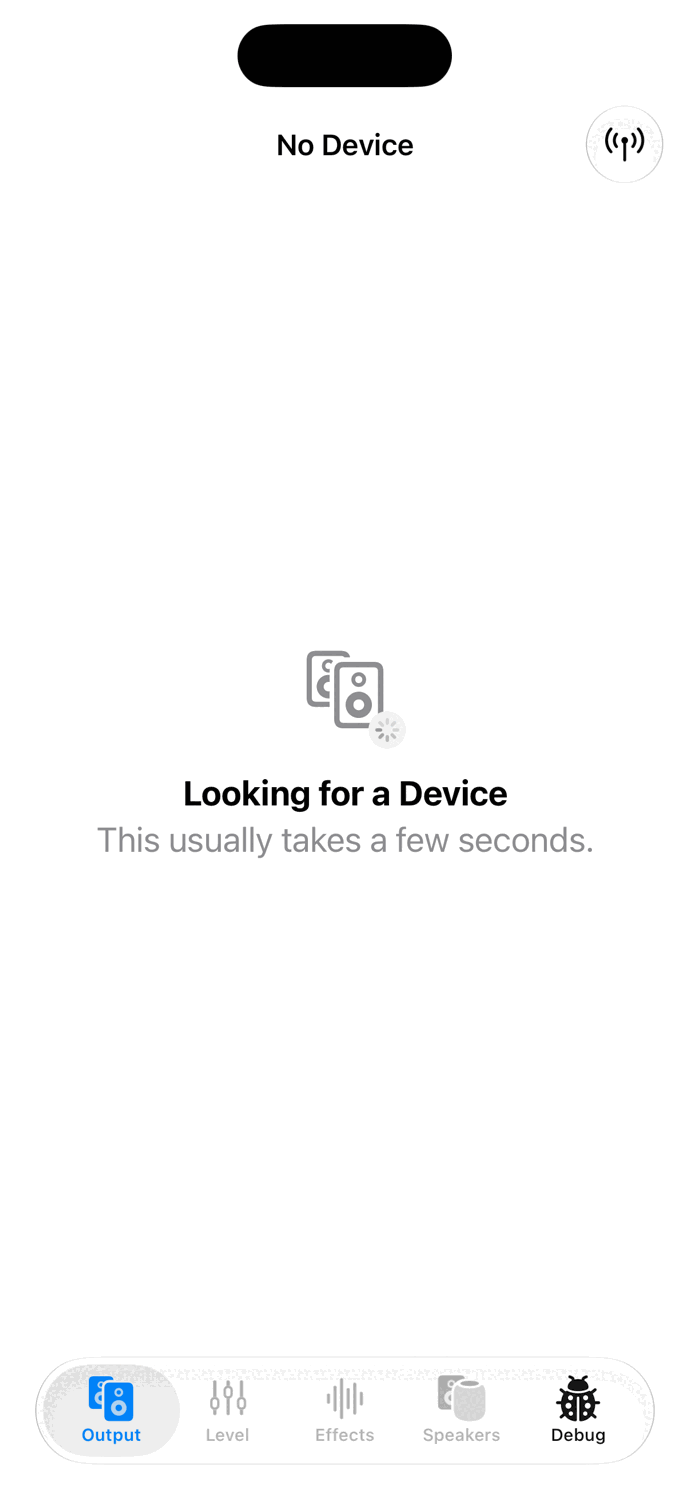
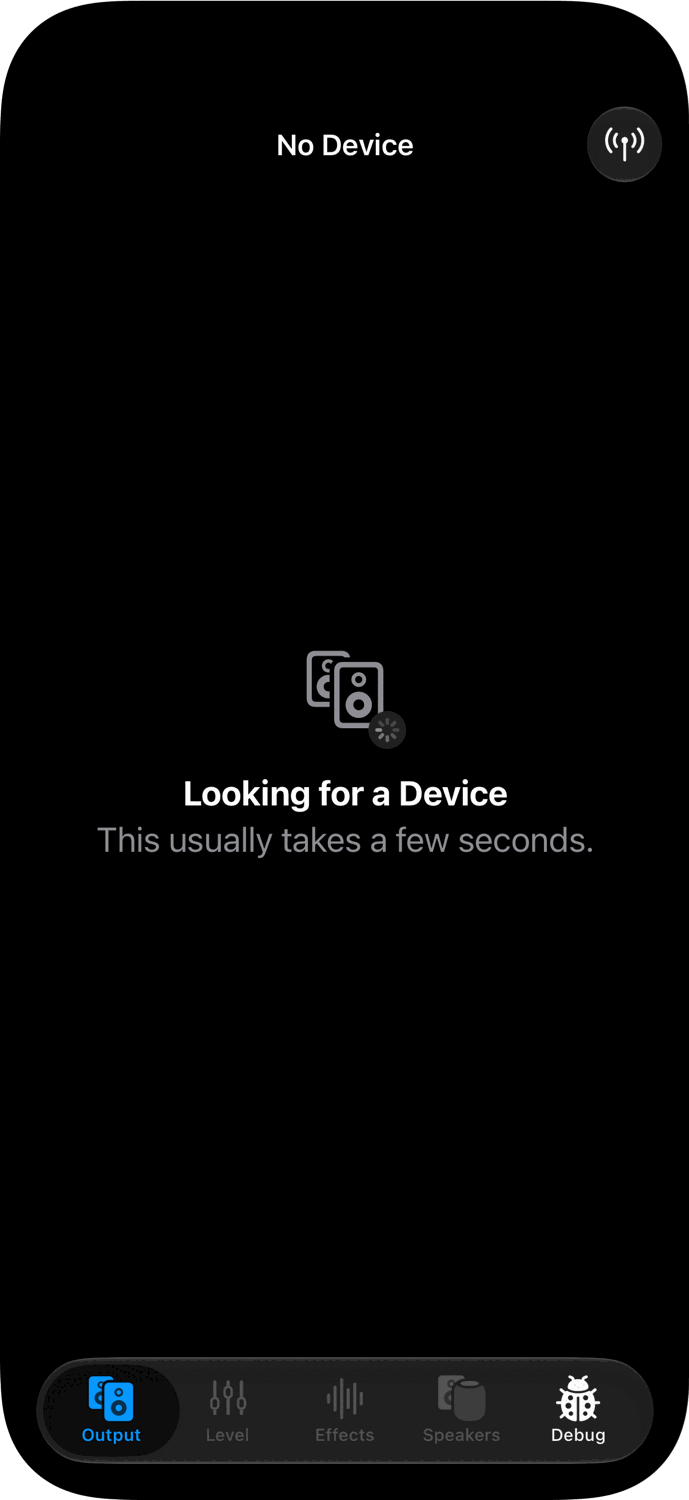
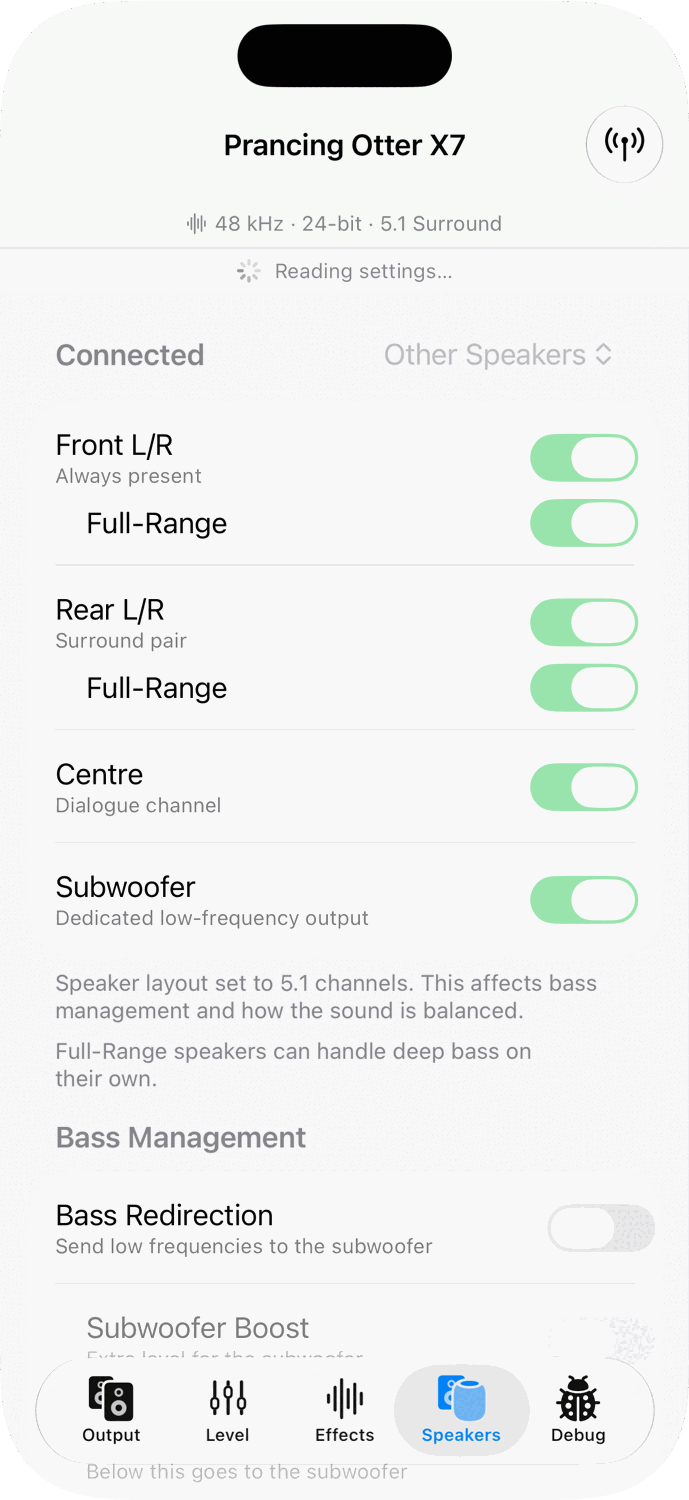
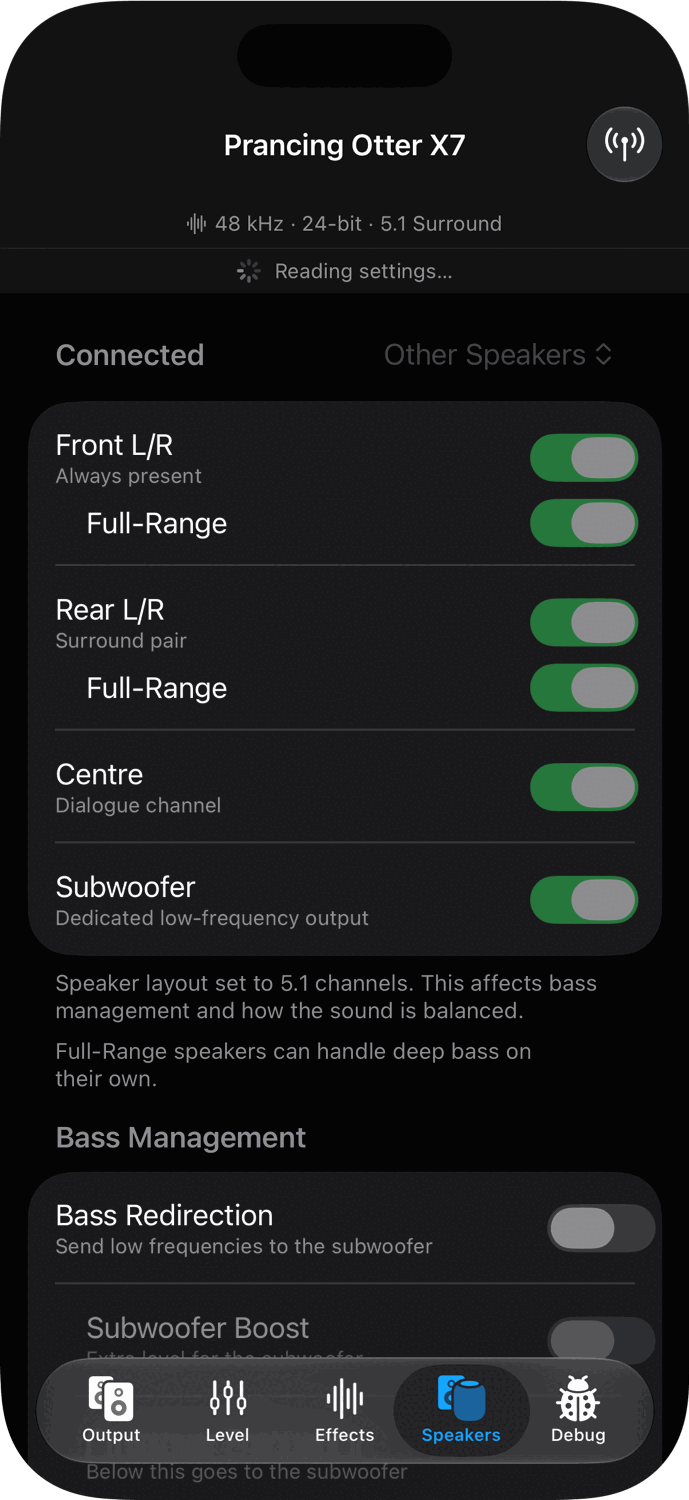
iPhone
The window's panes become tabs along the bottom. The button in the top corner opens Connections, where systems sharing a unit are paired.
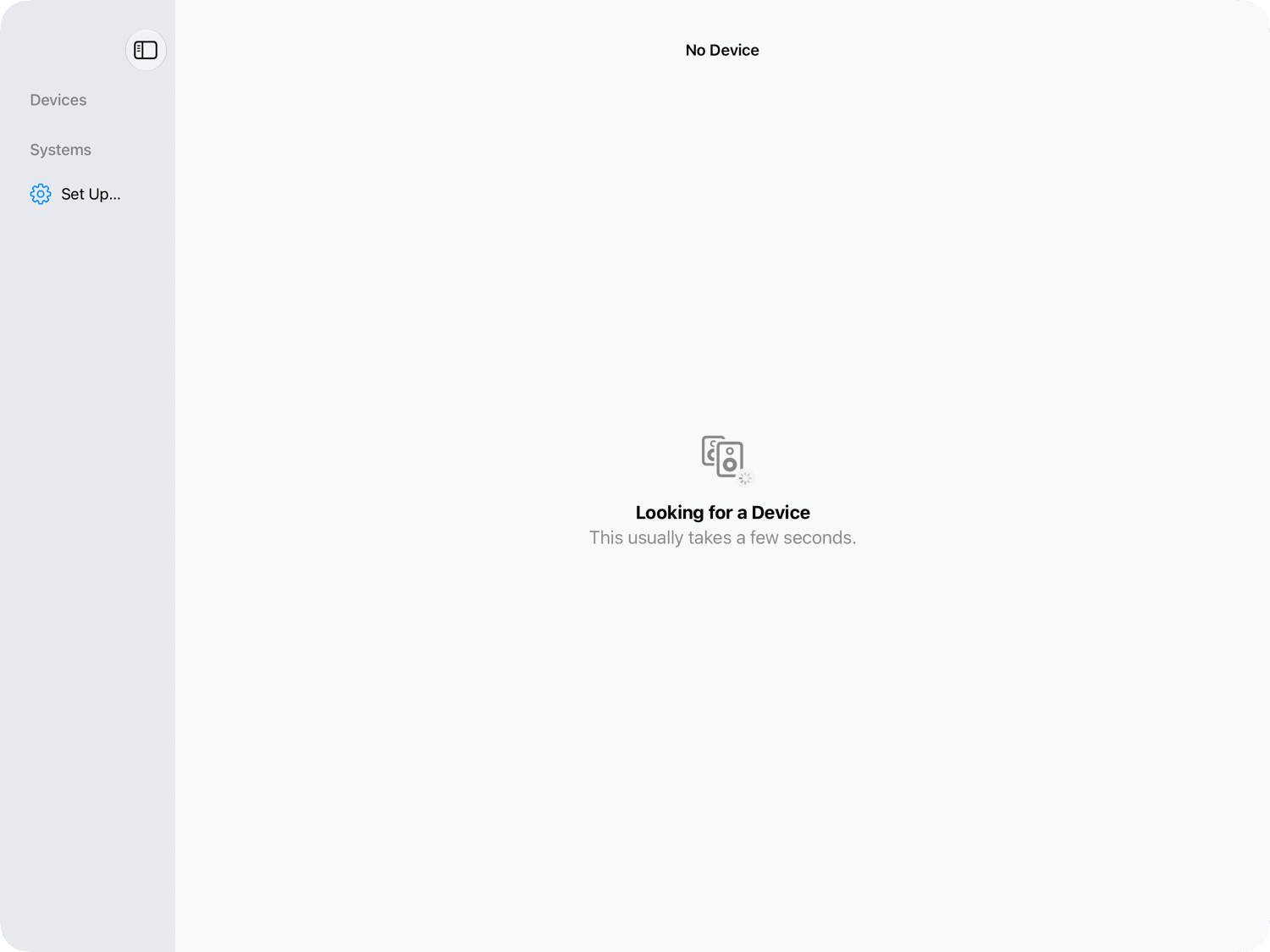
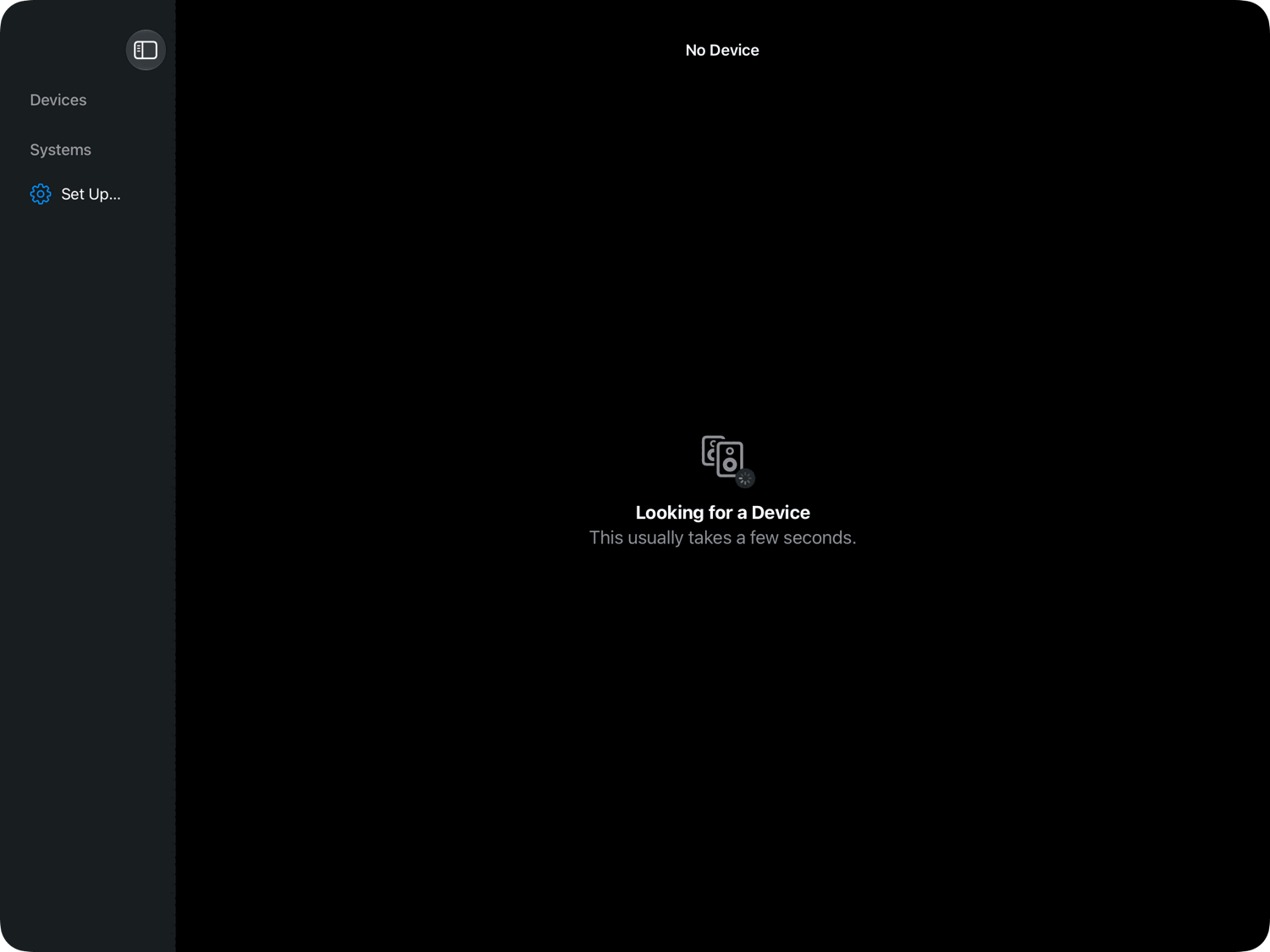
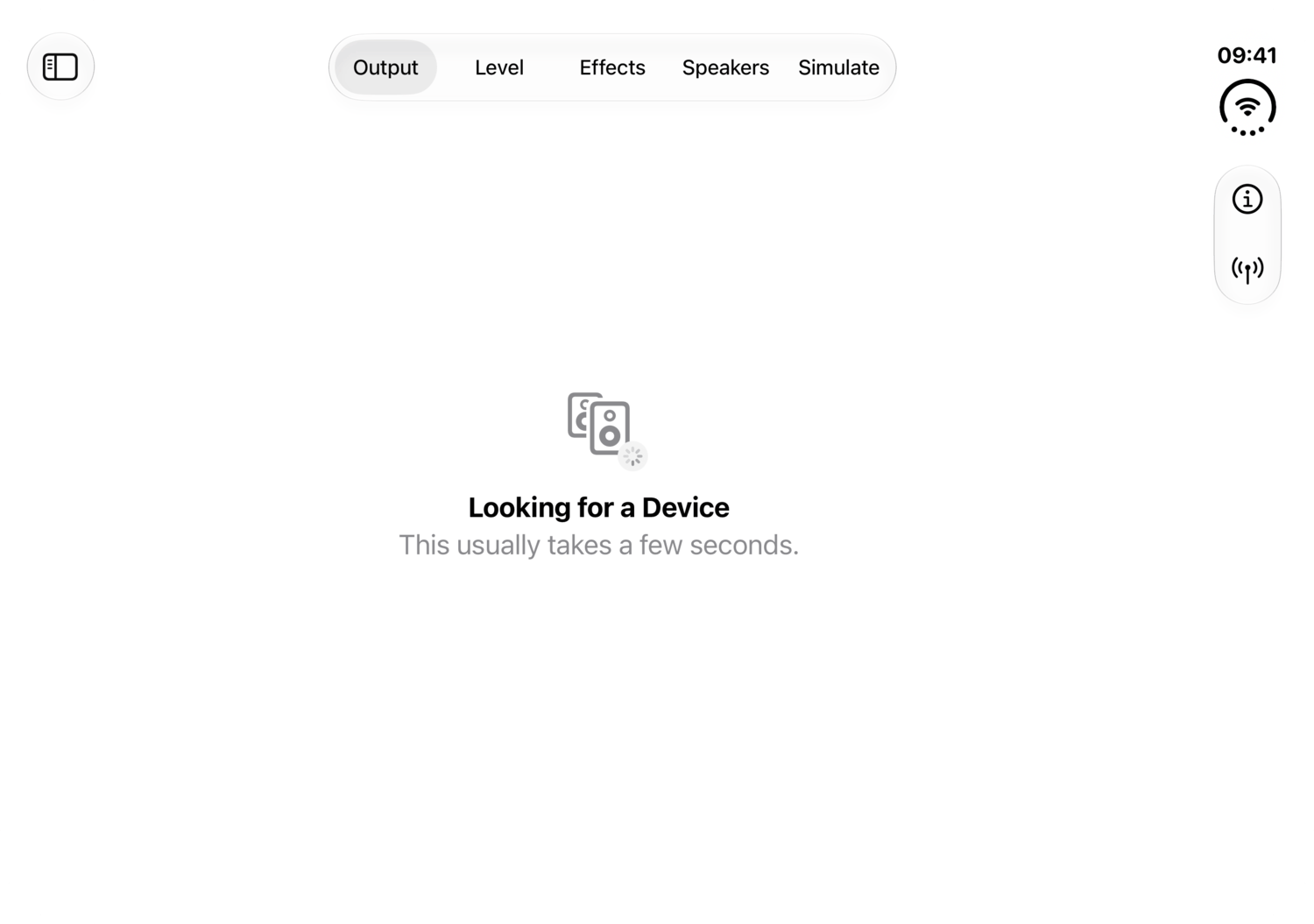
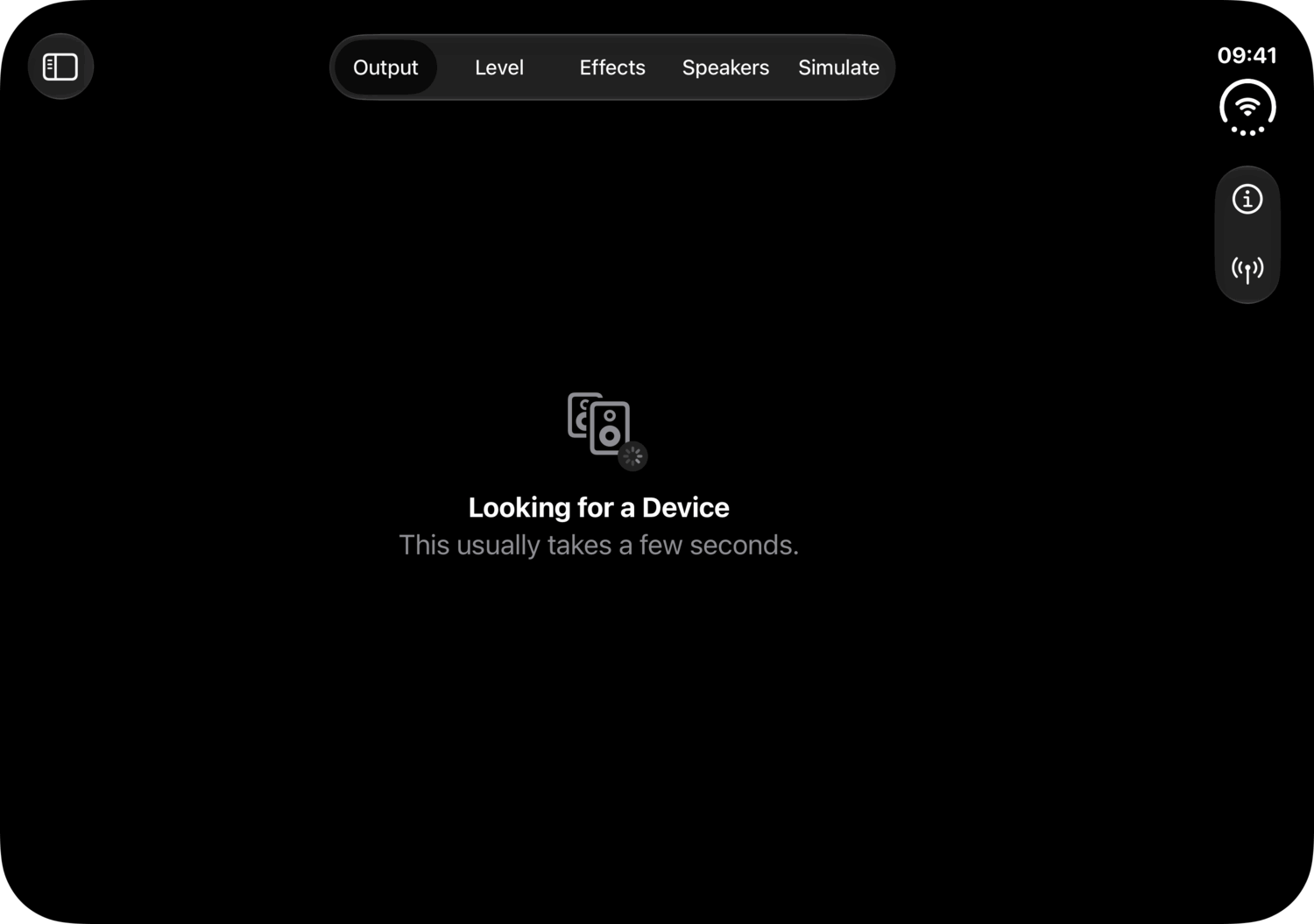
iPad
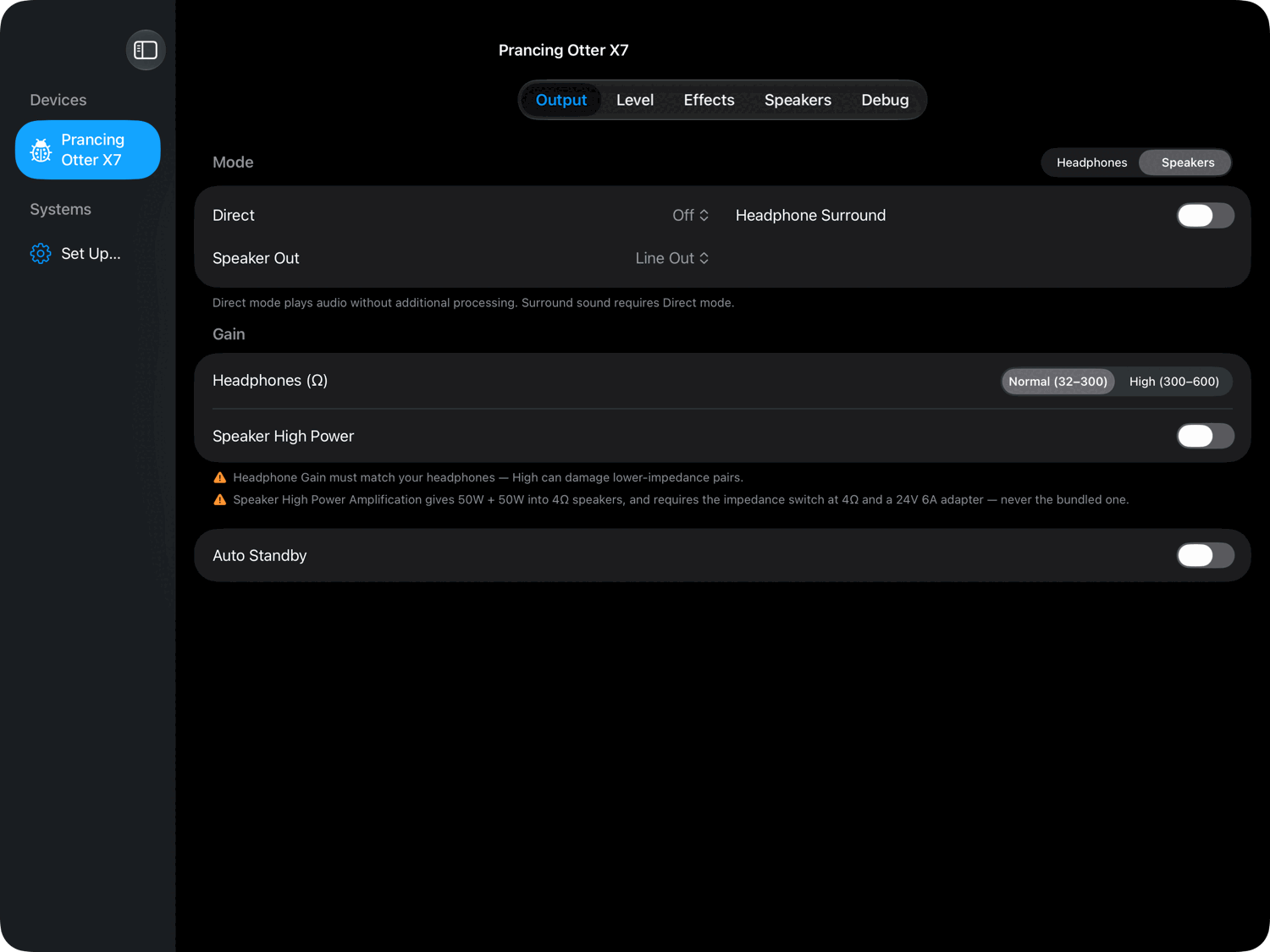
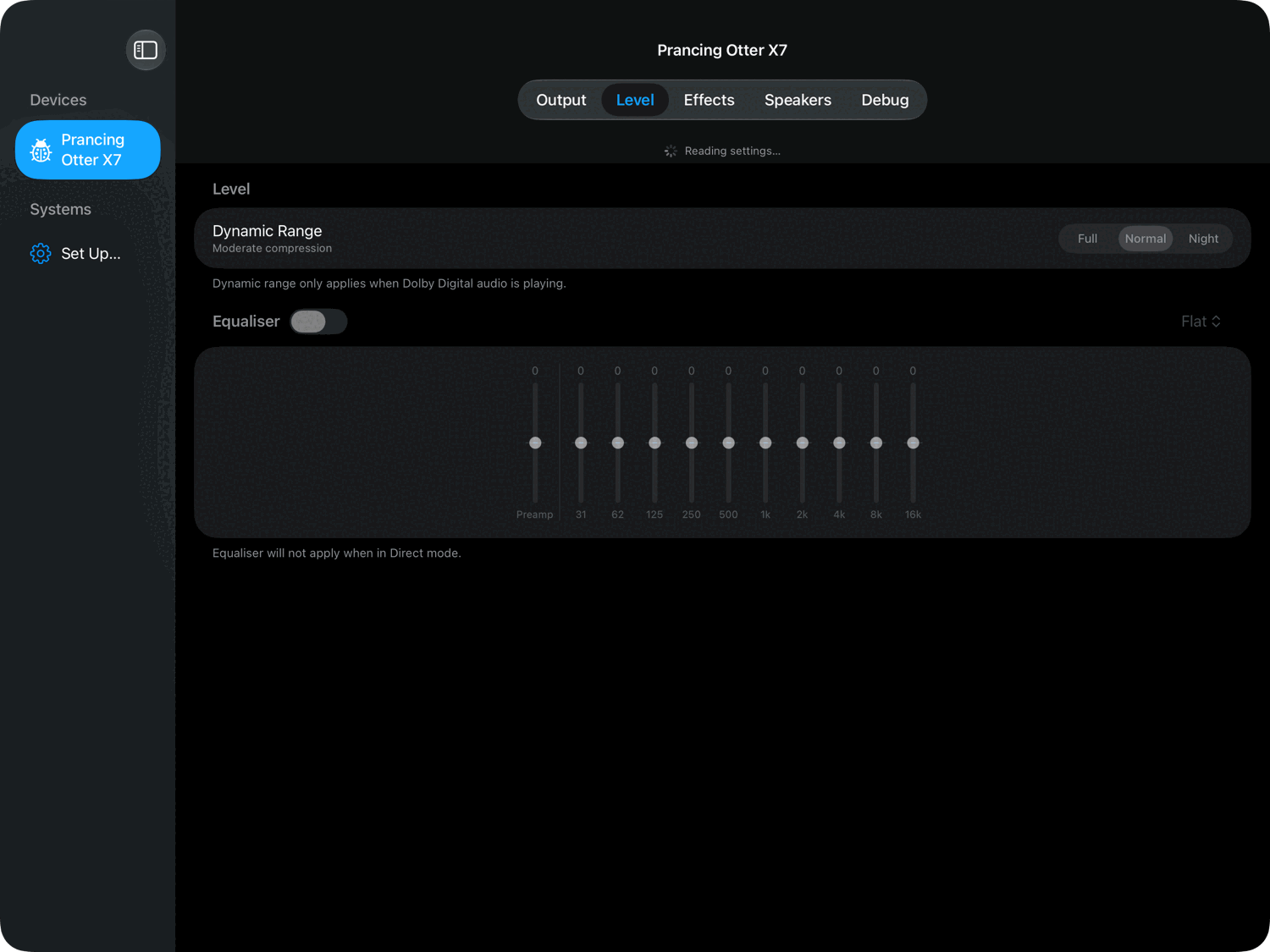
Wide enough for the Mac's sidebar, so units and systems are always in view beside the pane.
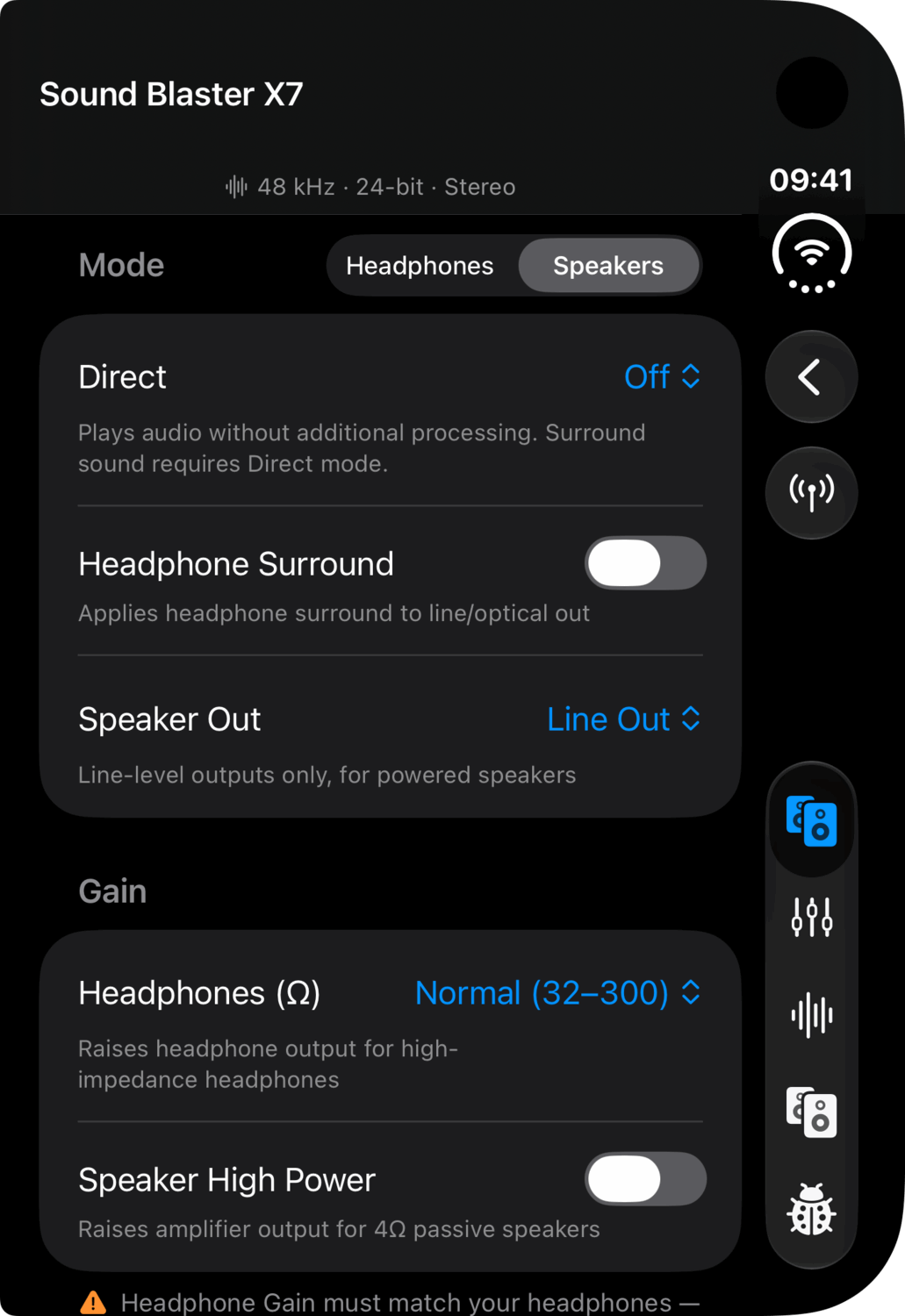
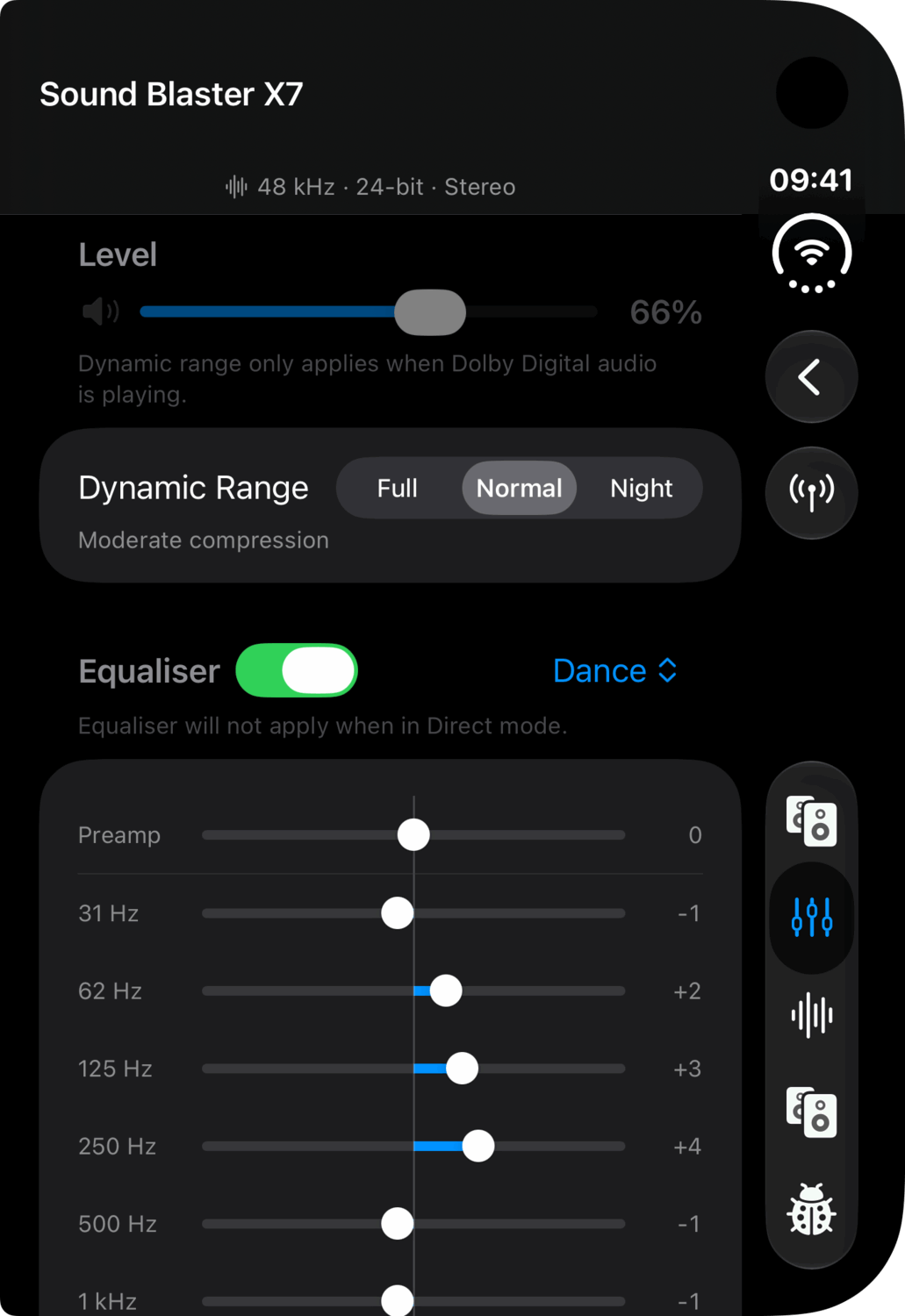
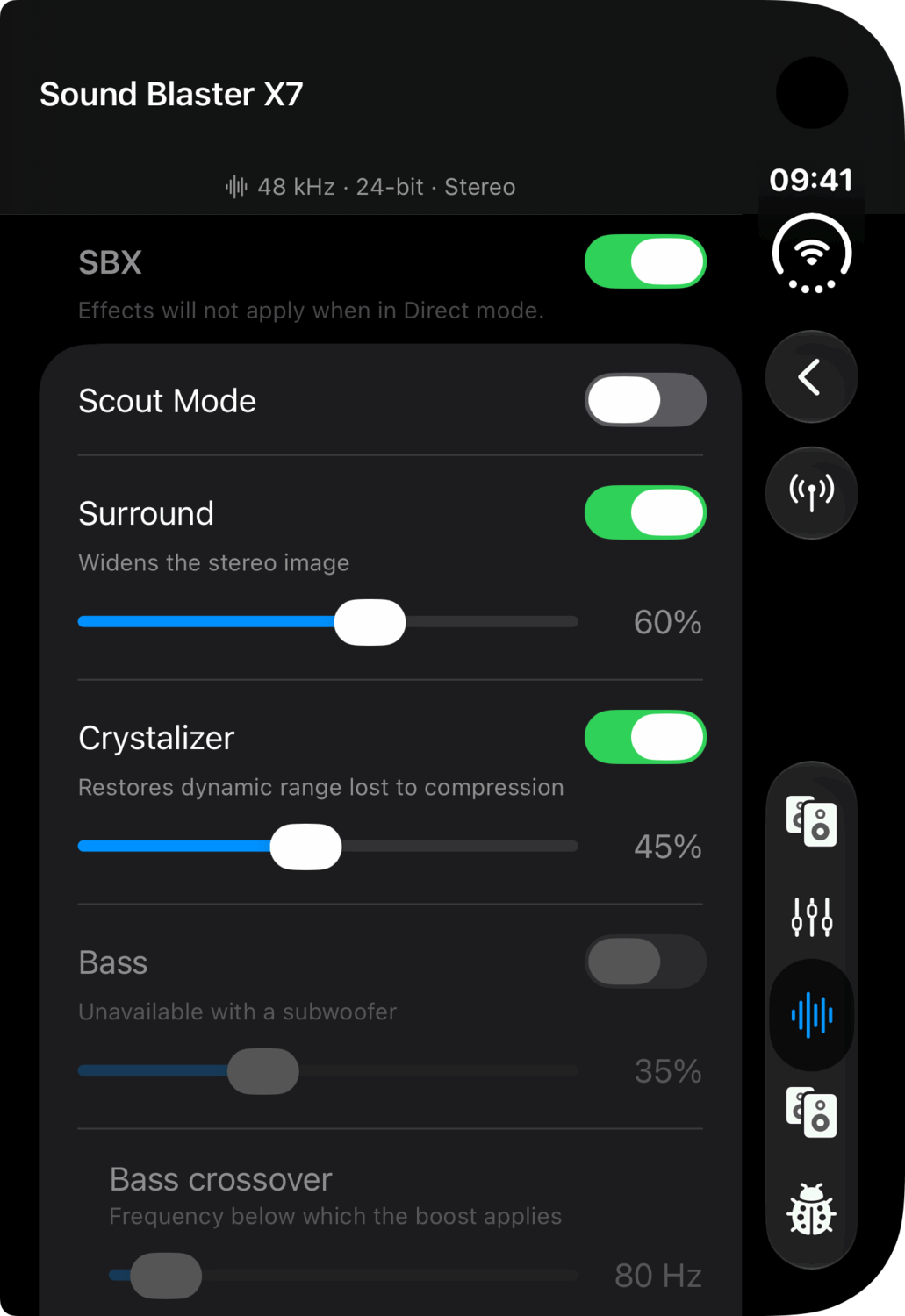
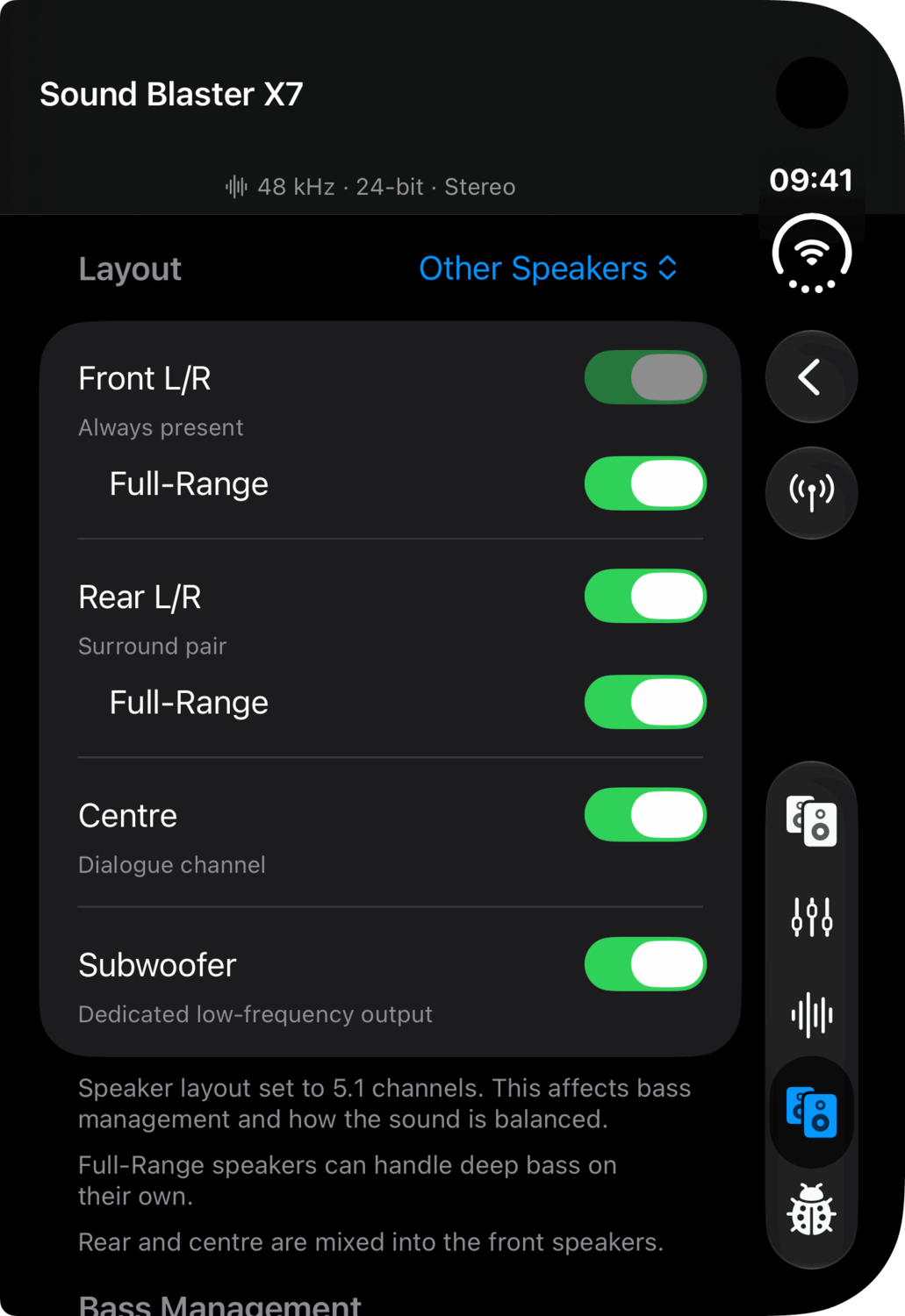
iPhone Duo
Unfolded, there is room for the iPad's sidebar; folded, it is a phone. Either way Connections sits in a bar down the camera's side, and folded, the tabs join it.
Unfolded
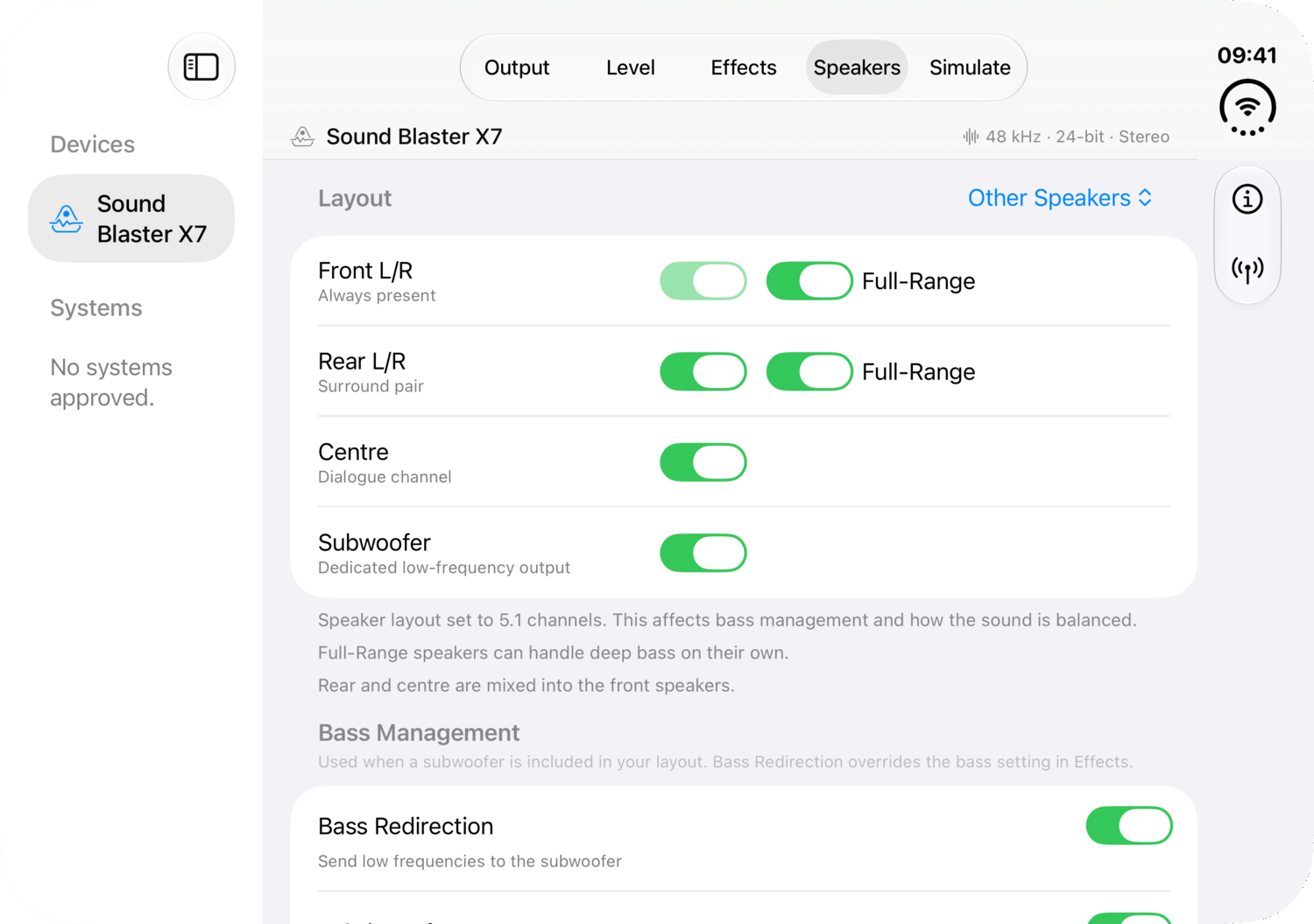
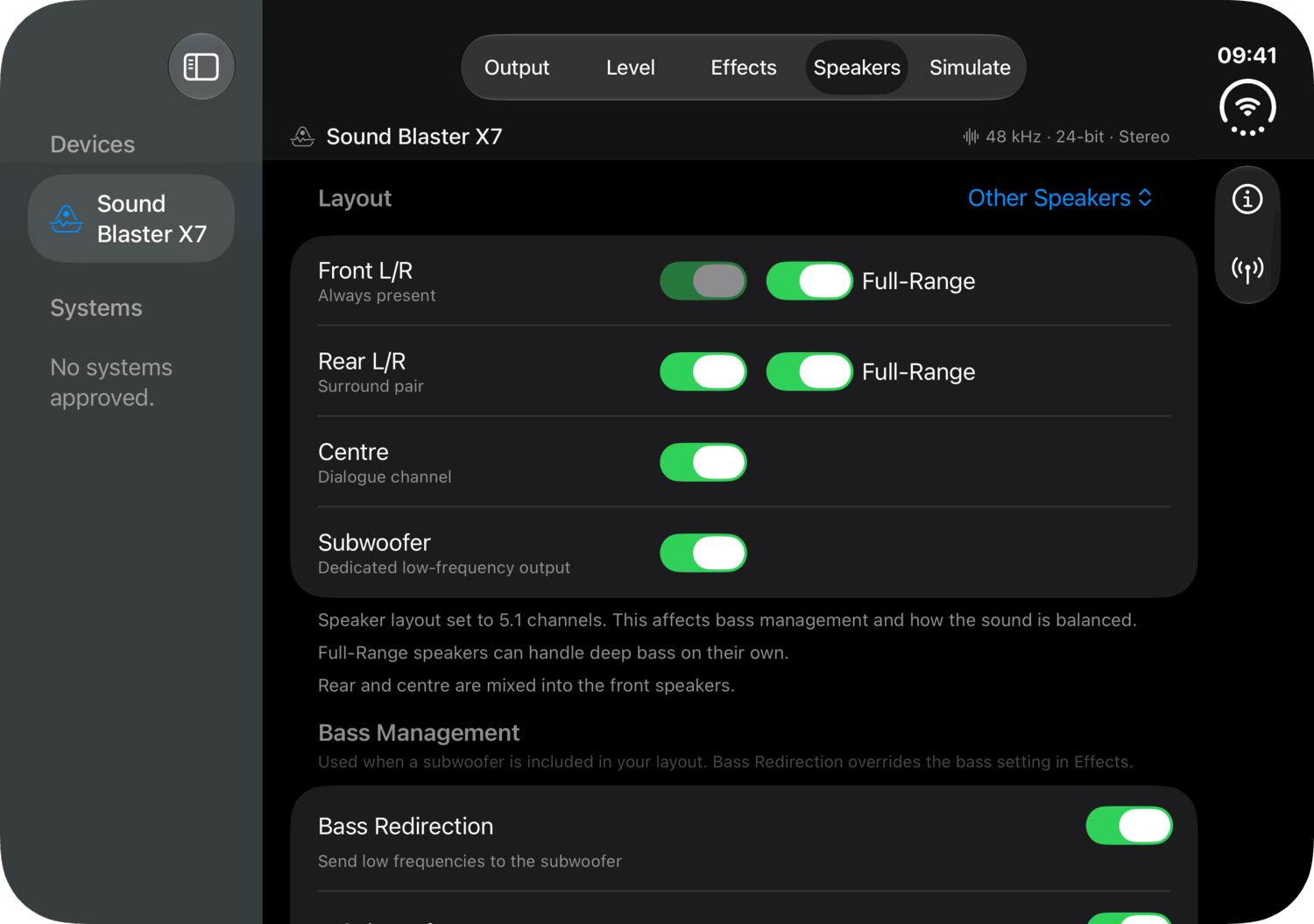
Folded
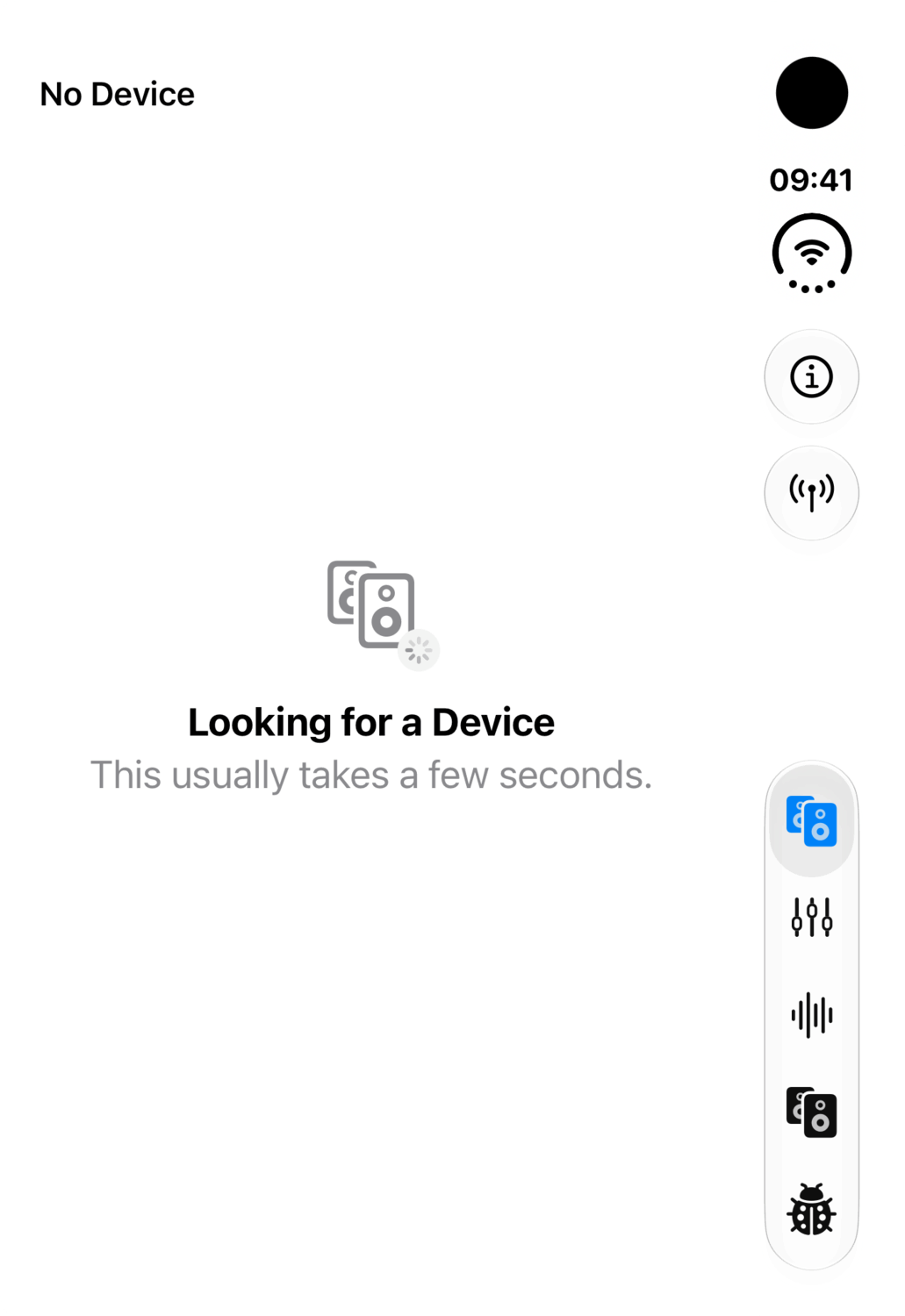
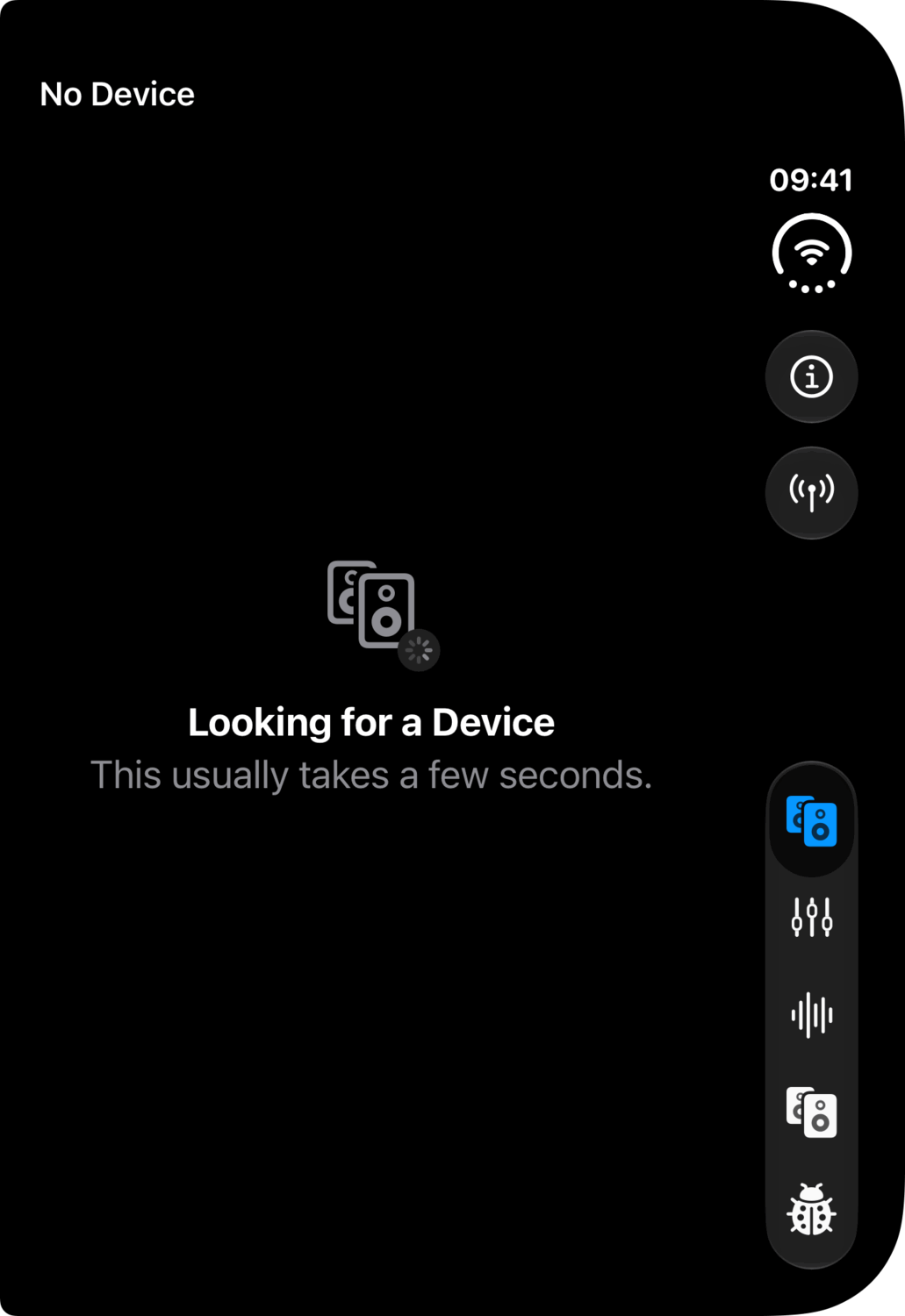
Requirements
A Creative Sound Blaster X71, connected to a Mac by USB or Bluetooth, or to an iPhone or iPad over Bluetooth.
| Platform | Needs |
|---|---|
| Mac | macOS 27. The app asks for Bluetooth and local network permission. |
| iPhone and iPad | iOS 27 and iPadOS 27. The app asks for Bluetooth and local network permission. |
The X7 Limited Edition has not been tested and so may not be compatible.